
Application Modernization Benefits for Businesses
Need quick insights? Summarize with AI & save time
 ChatGPT
 Perplexity
 Claude
 Google AI Mode
- Introduction
- What is Application Modernization?
- Why Modernize Legacy Applications
- Key Application Modernization Benefits
- The Real Cost of Delaying Application Modernization.
- Business Impact of Application Modernization
- Conclusion
- FAQs
Summary :
This blog explains why updating older systems becomes necessary over time. At first, everything continues to run, so it doesn’t seem urgent. But gradually, systems slow down, costs increase, and even small updates take more time and effort.
It also covers how modern systems make things easier in practical ways—handling growth, improving performance, and reducing day-to-day workload.
Along with that, it highlights what happens when modernization is delayed. It doesn’t cause immediate failure, but it gradually slows overall progress. In simple terms, it shows why making the shift at the right time helps avoid bigger issues later.
Introduction
In many companies, systems already slow down daily work, but teams don’t always treat it as urgent. Everything still runs, so they focus on delivery instead of noticing the growing friction.
Small issues start to appear first. A change that should take a few hours takes days. One update delays releases because it affects other parts of the system. Over time, teams start using workarounds just to keep things moving. Nothing completely breaks, which makes it harder to notice the problem early. From the outside, the system still looks fine. But inside, teams spend more effort maintaining it. They fix issues more often, manage dependencies, and stabilize older parts of the system.
This is where application modernization benefits become more visible in real operations. Not as a big transformation idea, but as a practical need when everyday work starts slowing down and becoming more complex than it should be. At that point, companies don’t upgrade just for technology’s sake. They remove the friction that builds up over time and make systems easier to work with again.
This blog explains why this shift happens in most organizations and what changes when they modernize their applications.
What is Application Modernization?
Application modernization means updating older applications so they don’t create problems as things change. Most of these systems were built years ago and still handle important work, but they aren’t always easy to deal with anymore.
Over time, they start slowing things down. Even small changes take longer, and connecting with newer tools becomes difficult. That’s why businesses look at moving these systems to a more modern setup. Teams handle this in different ways. Sometimes they move the application to the cloud without changing it. In other cases, they make a few updates so it runs better.
If they need more improvement, they change parts of the system to make it work more smoothly. And if things are too outdated, rebuilding becomes the only option. Cloud plays a big part in all this. It makes systems easier to manage and helps them handle more work when needed. With a modern setup, applications become easier to update, connect better with other systems, and handle growth without creating the same issues again. To understand this better, explore Future-Driven Application Development Services to see how it works.
Why Modernize Legacy Applications
Businesses often keep legacy applications because they still work. These systems handle important tasks, so replacing them doesn’t feel urgent. But over time, they start creating more problems than they solve.
Teams begin to notice delays first. Even small updates take longer, and making changes becomes more complicated. As business needs grow, these systems struggle to keep up, showing the risks of legacy applications.
Older systems also make integration difficult. They don’t connect easily with newer tools, so teams end up adding extra steps or doing manual work. For businesses looking to extend legacy systems into modern mobile experiences, legacy system integration with mobile apps can help connect existing ERP, EMR, or MES systems with new applications without immediately replacing the underlying infrastructure.
Security becomes another concern. Outdated systems often have gaps that are harder to fix. These outdated software security vulnerabilities increase the risk if they are not handled in time.
All of this builds technical debt. Teams spend more time fixing issues instead of improving systems. Work slows down, and progress becomes harder to maintain.
At that point, businesses start looking at modernization. Not because the system has failed, but because it no longer supports the way they need to work.
Key Application Modernization Benefits
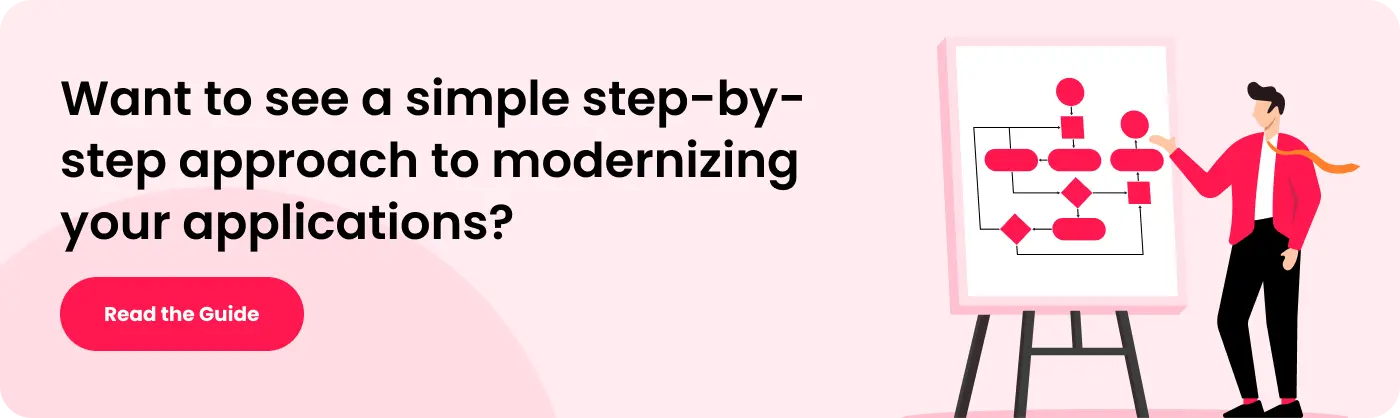
Below are some areas where businesses start seeing application modernization benefits in real work. It does not happen all at once. Over time, systems become easier to manage, issues reduce, and teams spend less time fixing repeated problems.
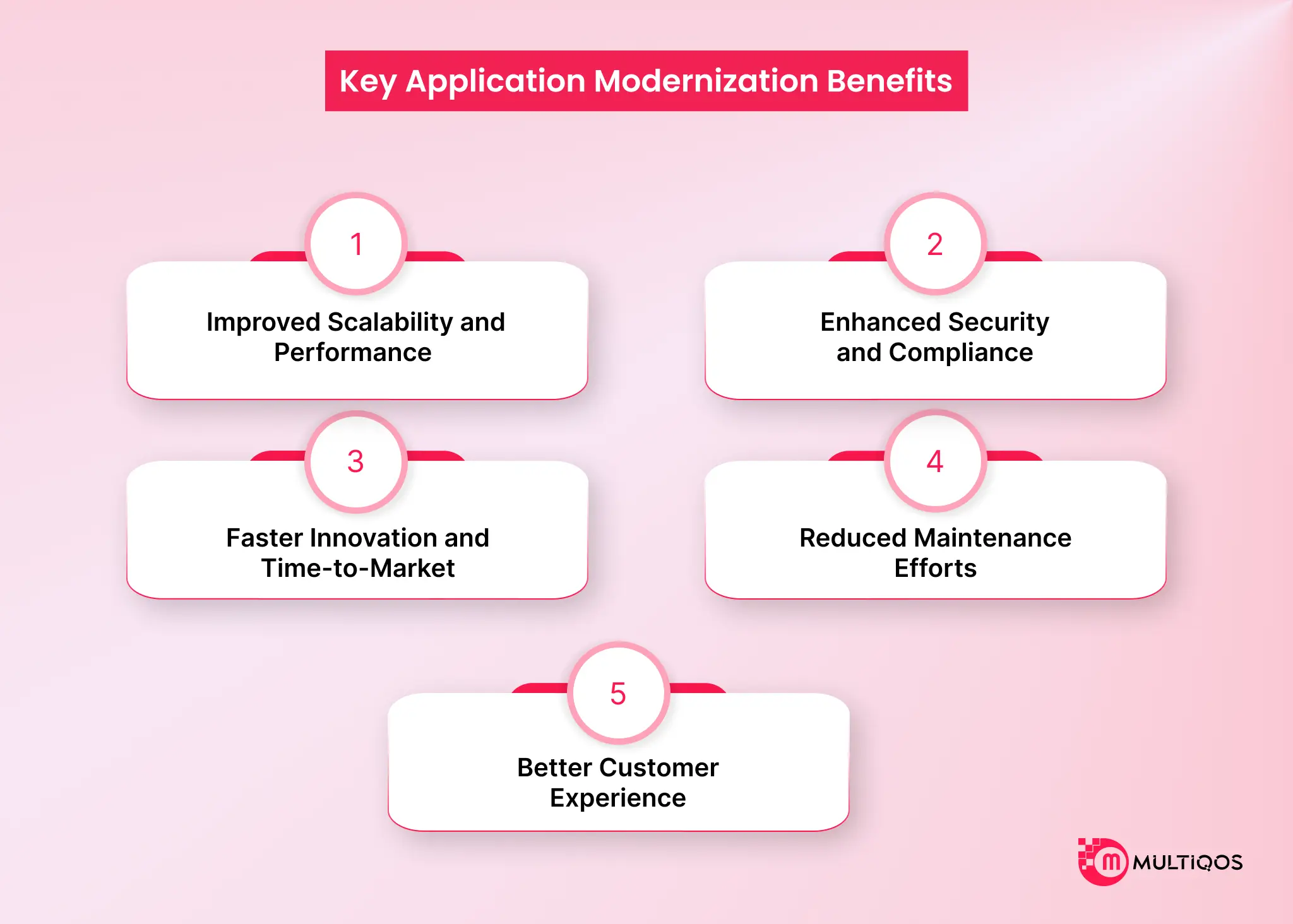
1. Improved Scalability and Performance
Older systems usually work fine until usage goes up. After that, performance starts to drop. Pages load more slowly, responses take longer, and during peak hours, things can feel unstable. Modern applications handle this better. They adjust to higher demand and support more users and data without breaking down. Cloud setups help here because capacity is not fixed anymore and can be adjusted when needed. In real use, cloud systems can automatically scale resources based on demand, which helps keep performance stable during traffic spikes. In day-to-day work, this removes a lot of pressure from teams. They do not have to worry about system limits or sudden slowdowns constantly.
2. Enhanced Security and Compliance
Security issues in old systems don’t all come at once. They start small and often go unnoticed. Maybe an update is missed, or something is not checked on time. Later, it turns into a bigger problem. Modern systems help avoid this. Teams keep them updated, so fewer issues build up over time. Things stay more stable. A data breach is costly. Around $4.45 million on average. So even a small gap can lead to a big problem. Following the rules is also easier. Old systems need more effort to meet new requirements. New systems already support most of it, so teams don’t have to keep fixing things again and again.
3. Faster Innovation and Time-to-Market
Older systems slow down change. Even small updates take time because everything is tightly connected, and one change can affect multiple parts. Modern systems are more flexible. Teams can test and release updates faster without long delays. Working with APIs and external tools also becomes easier, which reduces extra effort during development. Companies using modern engineering practices often see improved delivery speed. This helps them release features faster and respond quickly to business needs. This helps teams move faster with new ideas instead of waiting on system limitations.
4. Reduced Maintenance Efforts
A big part of working with older systems is maintaining them. The legacy application maintenance cost keeps increasing over time. Teams fix the same issues repeatedly and deal with outdated components that keep causing trouble. Modernization reduces this effort. Systems become more stable, so fewer issues come up in daily work. Teams can spend more time improving systems instead of constantly fixing them. Over time, organizations also see maintenance and operational costs drop by approx 30–40% because automation and cloud systems reduce manual work. This also helps bring down legacy application maintenance costs, which usually keep increasing as systems get older and harder to manage.
5. Better Customer Experience
Users notice the difference too. Applications respond faster and run more smoothly. There are fewer delays and fewer issues. Even a small delay can affect user behavior. A one-second delay in page load can reduce conversions by up to 20%. This shows how important speed is for users. It also becomes easier to improve the interface and overall experience. Updates reach users faster, so things don’t stay outdated for long. Small changes add up over time and improve the experience.
In the end, it’s not one big change. It’s a set of small improvements that make applications easier to use every day.

The Real Cost of Delaying Application Modernization.
Most companies don’t feel the pain of delaying modernization immediately. It starts small. Systems just need more fixing, more attention. Over time, IT teams get stuck in this loop of “fix and maintain” instead of actually improving anything.
Downtime happens, too. Old systems don’t always behave well when the load increases or when new tools are connected. And it’s usually at the worst time, peak hours, busy days, when things slow down or stop.
Security is another quiet problem. Legacy systems don’t get updated all the time properly, and that creates gaps. Those gaps are what attackers usually look for.
Then there’s technical debt. This one builds slowly. Small patches, quick fixes, old code sitting on top of old code. After a point, even a small change feels like a big task.
And honestly, IT teams feel it the most. Most of their day goes into just keeping things stable. Not improving, not building, just maintaining.
In the end, the business just moves more slowly. Competitors adapt faster, and opportunities get missed without anyone noticing it immediately.
Business Impact of Application Modernization
Application modernization changes how work actually happens inside a company. Old systems usually slow things down because they need frequent fixes and a lot of manual handling. When those are replaced or updated, daily work becomes more stable, and less time is spent on problems.
It also reduces spending over time. Instead of paying again and again for maintenance and issues, companies move to setups that are easier and cheaper to run in the long term. With better systems, information is available faster, so decisions don’t get delayed. Teams can react to changes without waiting for reports.
Security also gets better because newer systems are built with updated protection and meet current compliance needs more easily. On top of that, it becomes easier to use modern tools like cloud platforms and AI since the system is no longer holding things back.
Overall, businesses run more smoothly, spend less time fixing issues, and can move faster than before.
Conclusion
Most businesses don’t notice the impact of old systems right away. Everything keeps running, so there’s no immediate reason to change. But over time, small issues start adding up, delays increase, maintenance becomes harder, and systems stop supporting growth the way they should.
This is where application modernization benefits start to show. Work becomes easier, fewer issues come up again and again, and teams don’t have to spend all their time fixing problems. It also becomes easier to handle more work without slowing down.
In the end, it just helps things run in a smoother way and saves time in daily work.
FAQs
Old systems just start getting slow after a point. Even small changes take time, and they don’t really fit well with new tools, so work becomes extra.
It just helps companies move away from old systems so they can actually use newer tools like cloud and automation without issues.
Nothing breaks suddenly, but problems slowly build up. Costs increase, performance gets worse, and security becomes harder to manage.
Yes, it helps systems handle more load and adjust when things change, without slowing everything down.

Get In Touch

Get Stories in Your Inbox Thrice a Month.
Mobile App Development Cost in 2026: What to Budget and Why
iPhone Duo App Development: The Hidden Cost of Not Adapting Your Enterprise App
Why Upgrading Your iOS Architecture for Foldables Protects Your Brand Impression