
Microsoft Power Platform: Key Benefits and What Businesses Need to Know
Need quick insights? Summarize with AI & save time
 ChatGPT
 Perplexity
 Claude
 Google AI Mode

Table of Contents
- Introduction to Microsoft Power Platform
- Core Components of Microsoft Power Platform
- Key Power Platform Benefits for Businesses
- Real-World Applications of Microsoft Power Platform
- What Businesses Need to Know Before Using Microsoft Power Platform
- Common Pitfalls to Avoid
- Conclusion
- FAQs
Summary:
Microsoft Power Platform is now appearing in more business conversations as teams seek faster ways to build and automate work. Instead of long development cycles, it lets people create apps, manage workflows, and work with data more simply.
Different teams see it differently. Leadership looks at speed and cost. IT looks at control and integration. Operations just want fewer manual tasks, slowing things down.
It still needs planning, though. Things like governance, licensing, and adoption can’t be ignored, or it gets messy quickly.
At its core, it works because it brings everyday tools together and makes them usable without too much complexity. That’s why many companies are slowly moving in this direction.
Today, businesses want to move faster, but development work still slows down teams. Even such simple tasks as creating applications, processing approvals, or working with data are slower than expected. The conventional development typically requires additional time and technical work, which retards the whole process.
That’s why low-code platforms for enterprises are getting more attention now. They make it easier to build apps and automate work without going too deep into coding. In fact, Gartner has mentioned that by 2026, around 80% of technology products and services could be created by non-IT users using low-code or no-code tools. That itself shows how things are shifting in real business environments.
Microsoft Power Platform fits into this shift. It brings Power Apps, Power Automate, Power BI, and Power Pages together so teams can build and manage things more simply. Businesses often rely on Microsoft consulting services to get started and scale effectively. In this blog, we look at the benefits of Power Platform, its key tools, real use cases, and what businesses should consider before adopting it.
Introduction to Microsoft Power Platform
Microsoft Power Platform refers to a collection of Microsoft tools that assist teams in creating applications, automating processes, and managing data without engaging in heavy development. It unites Power Apps, Power Automate, Power BI, and Power Pages so that teams can manage various tasks on a single platform.
It is primarily used when companies need to resolve minor yet critical issues in the short term. Things like replacing manual tracking, automating approval steps, or turning basic processes into simple background apps.
A lot of it runs on what people call power platform capabilities, building apps fast, connecting data, automating routine work, and using AI features where needed. In practice, teams just use it to get things done without overthinking the tech side.
Data is stored in Dataverse, which keeps everything connected. It also works with Microsoft 365, Azure, and Dynamics 365, so companies don’t have to change their existing setup just to use it. In many cases, business users start building simple solutions on their own. Developers usually come in later when something needs scaling or proper structure.

Core Components of Microsoft Power Platform
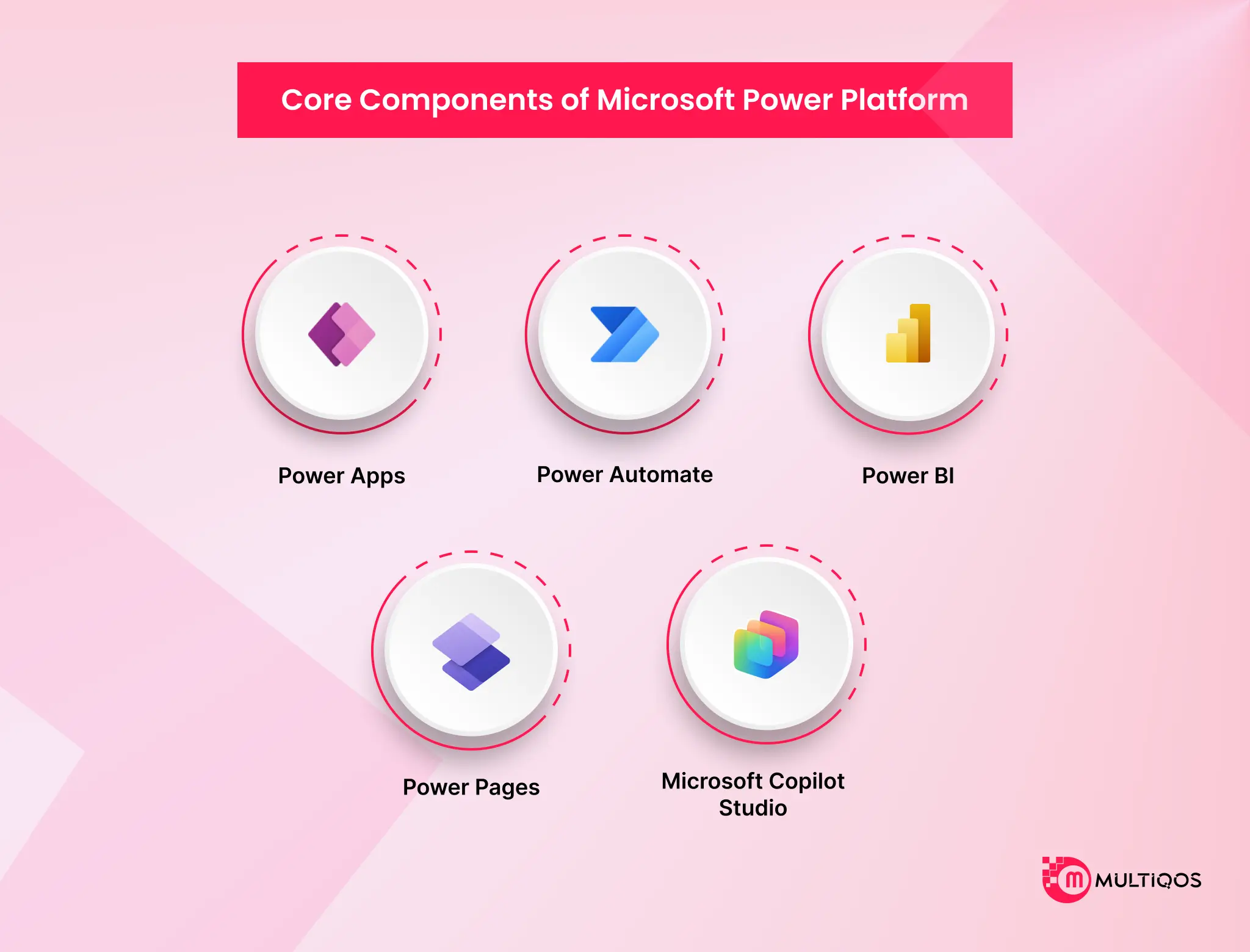
Microsoft Power Platform is made up of a few core tools that handle different parts of business work. When used together, they connect apps, data, automation, and reporting into one system instead of separate tools. Here are the main components.
Microsoft Power Apps
Many teams begin with Power Apps when they need a quick solution. Instead of waiting for a full build, they put together a simple app, often something like a form or a small internal tracker. In many cases, someone on the team handles it without requiring advanced technical skills. That’s usually enough to get things moving.
Microsoft Power Automate
Power Automate handles repetitive work. Once a flow is set up, things like approvals or updates move on their own. You don’t really need to check every step. Over time, this reduces a lot of follow-up work that teams usually handle.
Microsoft Power BI
Power BI comes in when data starts to feel scattered. Teams pull everything into one place and turn it into dashboards they can actually read. It’s easier to spot patterns or issues when the data isn’t spread across multiple files.
Microsoft Power Pages
Power Pages is used when teams need to share access outside the organization. This could be a customer portal or a partner page. The idea is simple: grant access where needed while keeping internal systems separate.
Microsoft Copilot Studio
This is where AI starts to play a role. Teams use Microsoft Copilot Studio to build chatbots or small assistants. These usually handle basic questions or guide users through steps. It doesn’t remove all manual work, but it does reduce the repeated queries teams deal with every day.
When teams start using these tools together, things begin to connect. Apps, workflows, and data stop working in isolation. It’s not always a big change at once, but over time, it supports low-code app development for enterprises, making day-to-day work easier to manage.
Key Power Platform Benefits for Businesses
When teams start using this platform, they usually don’t treat it like a big system change. It just becomes part of how they work. Over time, they start noticing Power Platform benefits, like tasks getting done with less effort and fewer delays. Here are a few examples of how it shows up in real work situations.
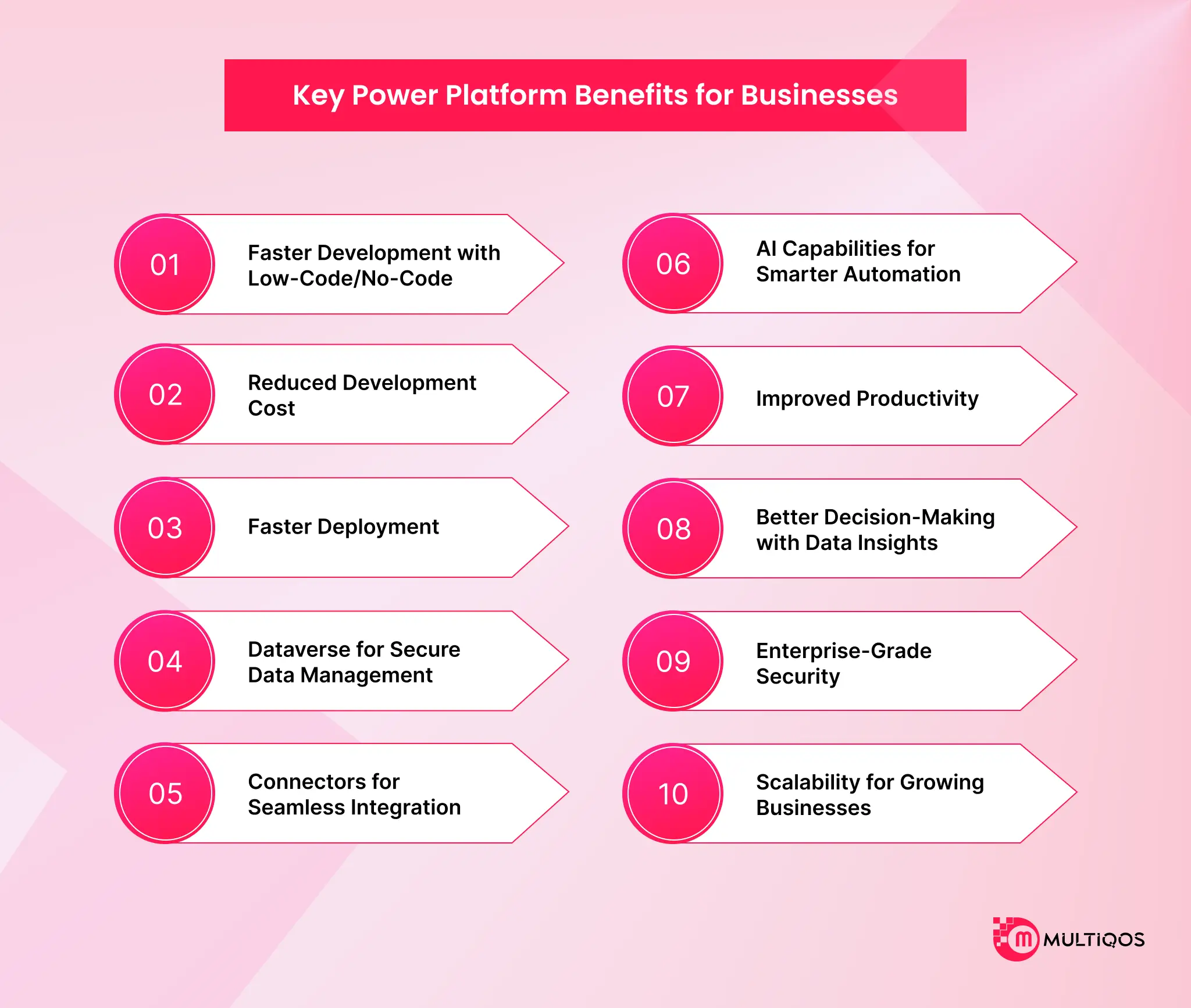
Faster Development with Low-Code/No-Code
A lot of teams don’t wait around for full development cycles anymore. They just build small apps when something is needed. It could be a form, a tracker, or a simple internal tool. Developers still play a role, but mainly when things go beyond basic requirements. This naturally reduces waiting time between request and delivery.
Reduced Development Cost
Costs tend to go down gradually rather than suddenly. The main reason is simple: less time spent building everything from scratch. Teams reuse what already exists and focus only on what actually needs to be created. Over time, this makes budgeting easier for both IT and business teams.
Faster Deployment
Instead of long release schedules, teams can push out apps or workflows whenever they are ready. It feels more flexible. If something needs to be changed, it can be adjusted without restarting the entire process.
Dataverse for Secure Data Management
Data doesn’t end up scattered across multiple tools. It stays in a single structure, which makes it easier to track and manage. For IT teams, this also means less confusion around access and control.
Connectors for Seamless Integration
In most setups, systems don’t work in isolation. This is where connectors help. They allow different tools and services to connect and share data without heavy custom work. That keeps things practical and less time-consuming.
AI Capabilities for Smarter Automation
Automation here isn’t just rule-based. Some parts can respond based on patterns or inputs, which reduces repetitive manual effort. It’s not something teams rely on for everything, but it helps in specific areas where rules alone aren’t enough.
Improved Productivity
People don’t have to wait as much or depend on multiple handoffs. Smaller tasks can be handled directly by the teams that need them. That shift alone saves a noticeable amount of time in day-to-day work.
Better Decision-Making with Data Insights
Instead of jumping between spreadsheets or reports, teams look at dashboards that bring everything together. It doesn’t remove decision-making effort, but it makes the information easier to work with.
Enterprise-Grade Security
Even with flexibility, control doesn’t disappear. Permissions can still be managed properly, and access stays limited based on roles. This keeps things aligned with company policies.
Scalability for Growing Businesses
As requirements grow, the platform doesn’t force a rebuild. Teams extend what already exists and add on when needed. That makes long-term growth more manageable.
Real-World Applications of Microsoft Power Platform
In many businesses, a lot of time is still wasted on follow-ups, approvals, and transferring data between systems. Microsoft Power Platform helps reduce that by making these everyday processes a bit simpler, without forcing teams to rebuild everything from scratch. Here are a few real ways teams actually use it.
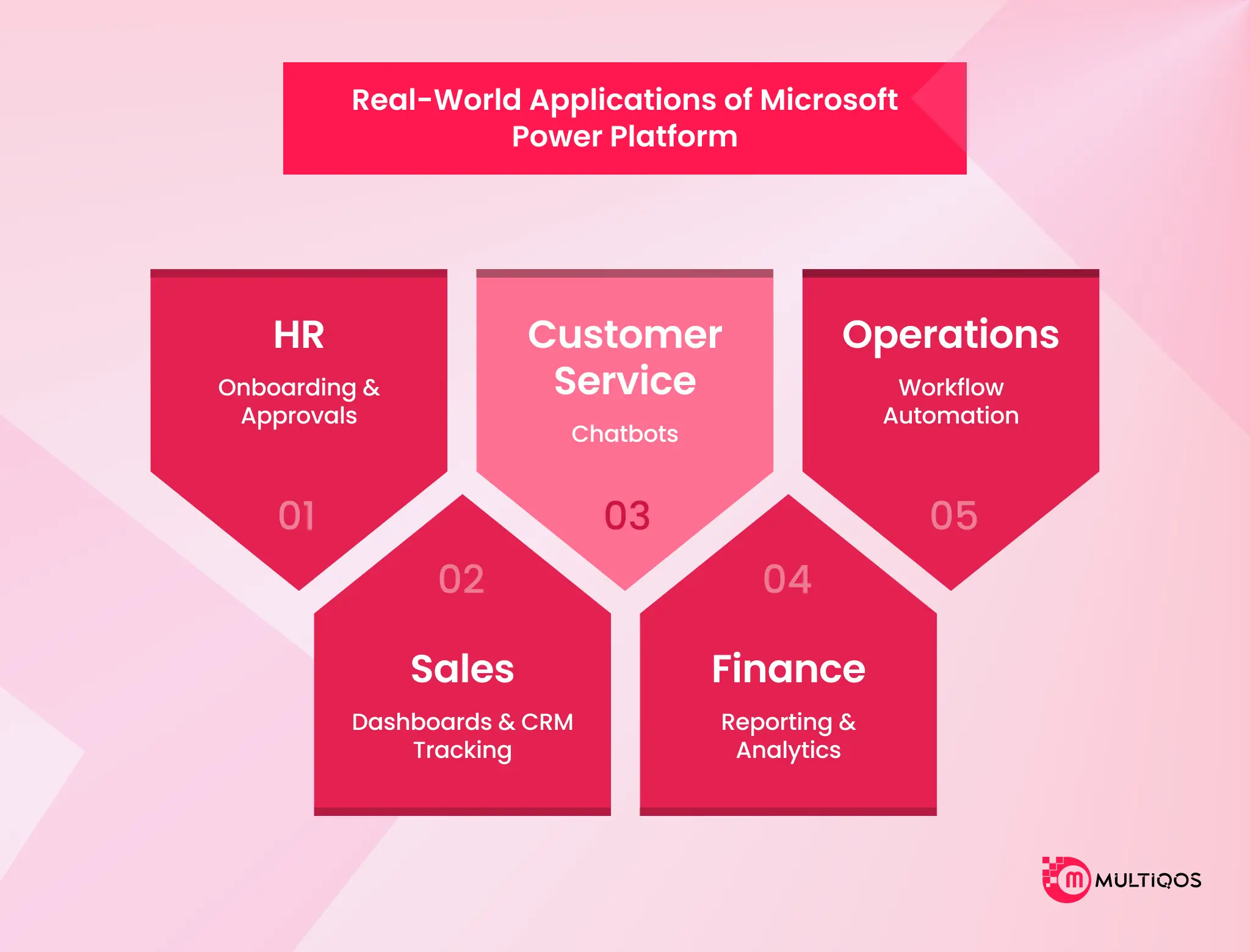
HR – Onboarding & Approvals
Onboarding usually looks simple on paper, but in practice, things move slowly. Documents are missing, approvals stay pending, or someone just doesn’t reply on time. HR teams often end up chasing people for updates. When the flow is set properly, tasks move forward on their own, and HR only needs to check progress instead of constantly following up.
Sales – Dashboards & CRM Tracking
Sales teams usually don’t struggle with effort; they struggle with visibility. Data is there, just not in one place. Because of that, it takes extra time to understand what’s going on. When everything is visible in one view, it’s easier to decide what needs attention right now.
Customer Service – Chatbots
Many customer queries are repetitive. The team knows the answers, but still has to respond every single time. That’s where a chatbot makes a difference. It handles the basic questions, so the team doesn’t feel stuck doing the same work all day.
Finance – Reporting & Analytics
Reporting is not hard because of analysis; it’s hard because of all the preparation work before it. Data comes from different systems, gets checked, corrected, and cleaned before it can actually be used. Only after that does the real reporting start. Once this part becomes simpler, the overall work feels much lighter, and the focus shifts more toward understanding the numbers instead of fixing them.
Operations – Workflow Automation
In operations, it’s rarely big issues that slow things down. It’s the small delays that keep approvals piling up, updates missing, and tasks sitting in between steps. When those steps are automated, things don’t stop randomly, and work keeps flowing without constant follow-ups.
What Businesses Need to Know Before Using Microsoft Power Platform
Before using Microsoft Power Platform, most teams focus on how quickly they can build apps or automate tasks. That part is straightforward. The actual difference is reflected when applied to larger teams and processes.
It has such tools as Power Apps, Power Automate, and Power BI, all of which work with apps, workflows, and reporting. Though it may seem easy to say, clarity of usage and structure is important in practice. The issue of licensing may arise in the long run. It might be cheap initially, yet the expenses may vary with the usage and users.
Data and access control also need attention since everything is connected. Without proper setup, information can become scattered or less controlled. Governance is another key point. Without clear rules, teams may build overlapping solutions, which becomes harder to manage later.
Integration works well within Microsoft tools, but external systems may need extra effort. Finally, adoption depends on users. Even simple tools only work well when teams are properly guided and trained.
Common Pitfalls to Avoid
Lack of governance:
At first, it feels flexible when everyone builds their own apps. Later, it just becomes confusing—too many versions, and no clear direction.
Underestimating licensing costs:
Costs don’t show up immediately. They grow slowly as usage increases. That’s usually when it starts becoming a concern.
Poor user adoption:
If people are not comfortable using it, they simply won’t. And then the platform doesn’t really deliver the value you expect. Most of these problems don’t show up on day one. They come later, once things start scaling. That’s why it’s better to think about them early.

Conclusion
Microsoft Power Platform is not just a set of tools; it is a practical way for businesses to simplify daily work and work in a smarter way. It helps teams reduce manual tasks, connect different systems, and use data more effectively for faster decision-making, without depending too much on traditional development.
This type of flexibility is important in the current business world. It assists organizations to be flexible, enhance cross-team workflow, and make informed decisions, rather than speculative ones, using actual data.
With the right approach, Power Platform becomes less of a “tool” and more of a practical advantage that supports long-term business growth.
Overall, the Power Platform benefits make it a strong choice for businesses looking to improve efficiency, automation, and decision-making.
FAQs
It’s not completely free. Microsoft 365 plans include some of the features; however, the vast majority of real business scenarios require paid licensing. Such features as high-end connectors, high-level automation, or increased utilization are often charged, depending on business requirements.
Yes, it has enterprise security such as encryption and access control. Governance is the actual factor. A secure system may become untidy as time goes by unless permissions and usage are handled appropriately.
Yes, it integrates with Microsoft products such as Azure and Dynamics 365 and even third-party systems via connectors and APIs. It assists in many instances in pulling together tools that were operating separately.
Yes, particularly when you have speed requirements and you have small development requirements. It assists small and mid-sized businesses in automating routine work and developing solutions more quickly without this technical baggage.

Get In Touch

Get Stories in Your Inbox Thrice a Month.

Microsoft IQ Explained: The Role of Fabric IQ, Foundry IQ, Work IQ, and Web IQ
Building Automated Approval Workflows with Microsoft Power Automate
Paper Checklists to Power Apps for Manufacturing: Digitizing Shop-Floor Workflows