Microsoft Power Platform Consulting Services
We enable your operations teams to build their own applications, automate their multi-step approval workflows, and connect the data across your Microsoft environment.

Our side of the story
Future-Ready Power Platform Solutions For Enterprises
Our Microsoft Power Platform consulting services exist for one practical reason. Most teams adopt the tools, score a few quick wins, then stall. Apps multiply without governance. Flows break the moment an upstream system changes. Reports start contradicting each other. We come in with structure, design patterns, and a Center of Excellence approach so the platform scales as per your business needs.
 Years of Experience
With over a decade of industry experience, we bring deep expertise, proven strategies, and reliable solutions that help businesses grow and succeed in a competitive market.
Projects Delivered
We have successfully delivered hundreds of projects across various industries, ensuring quality, innovation, and timely execution tailored to our clients’ needs.
Happy Clients
Our client-first approach has helped us build long-term relationships, earning trust through exceptional service, transparent communication, and measurable results.
Power Platform Ecosystem
Important Building Blocks of Microsoft Power Platform
Power Platform is not an application. It is a set of seven integrated tools that each target a different level of the operations and that are natively integrated as part of your current Microsoft 365 and Azure ecosystem. The combination of the right one will be based on what your business is attempting to correct. We can help you determine which elements of Power Platform will meet your needs.
Power Apps is a low-code development environment to create custom business applications. Your teams create canvas applications for mobile field workers, model-driven applications for structured data processes, and portals to customers or partners without having to employ a developer to maintain all updates and changes of configuration.
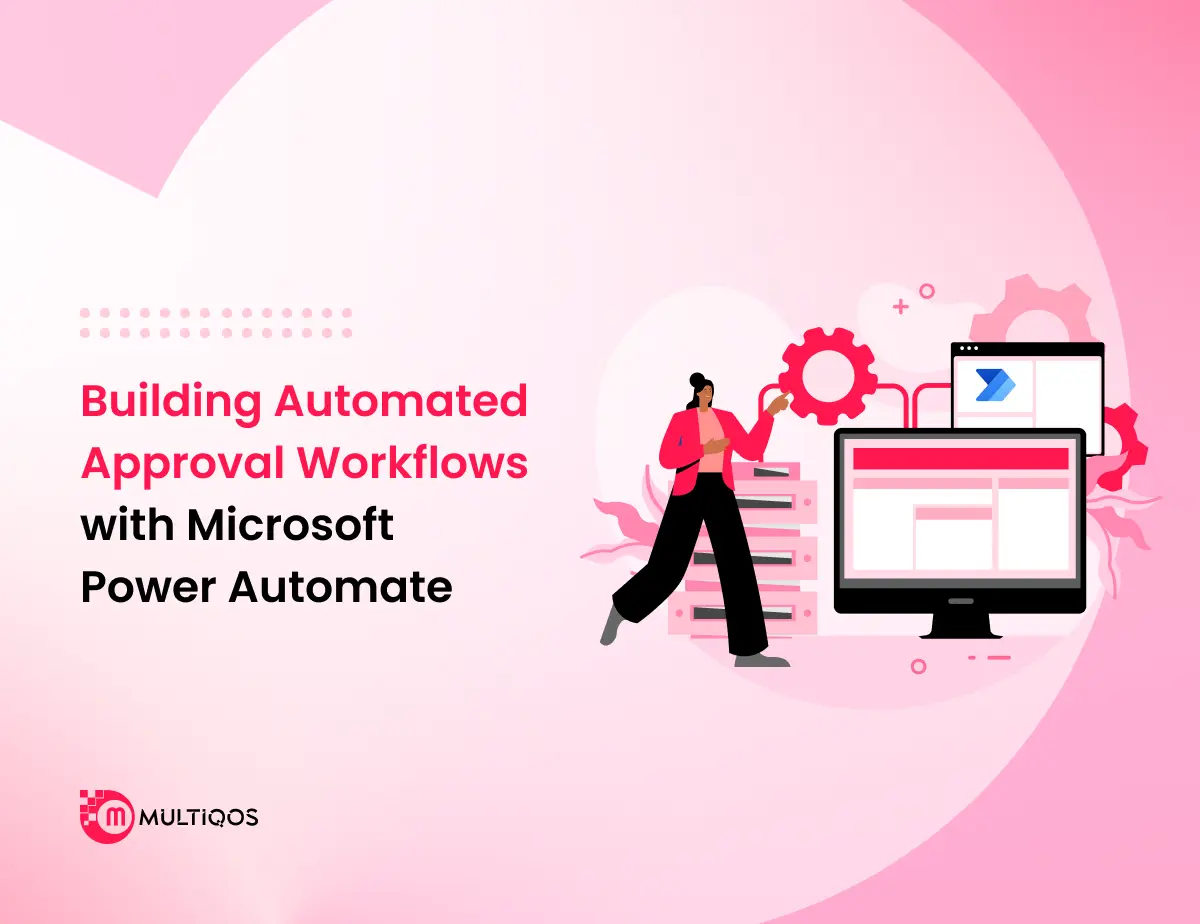
Microsoft Power Automate can be connected to more than 900 sources of data and services in order to automate the processes your teams are currently handling using email chains and manual hand-offs. Approval routing, document processing, scheduled data transfers, and multi-step cross-system flows are all automatic and defined by specific triggers and conditions.
Microsoft Power BI is a technology that allows you to pull live data from your ERP, CRM, databases, and cloud services into dashboards and reports, which automatically update. Finance, operations, and executive teams no longer wait to get weekly exports but work with figures that are a reflection of what is actually happening in the business at the given moment.
Virtual Agents
Power Virtual Agents allows your teams to deploy conversational AI agents that can handle common queries that employees or customers may have without routing all queries to individuals. These agents can directly interact with your business data and can initiate Microsoft Power Automate workflows during mid-conversation to take action, not just respond.
Microsoft Dataverse
Dataverse is the cloud-based, secure data layer that is under your Power Platform environment. It stores the structured data created by your apps and workflows, and has a natural connection with Dynamics 365 and Azure services. The policies of data governance are implemented in the storage layer, and not only in the application surface.
AI Builder
AI Builder integrates pre-built and trainable machine learning models into your Power Platform environment without the need to have a Data science team. Embedding document processing, object detection, sentiment analysis, and business prediction models can be directly embedded into your Power Apps and Power Automate flows using the data your organization already has.
Power Pages
Power Pages supports externally-facing web portals, which can be connected to your Power Platform data and workflows. Customer self-service websites, supplier onboarding forms, and partner portals are developed and maintained without a separate web development engagement, with in-built authentication, security controls, and direct integration into your Dataverse environment.
What we offer
Microsoft Power Platform Services
Modernize your business with expert Microsoft Power Platform Consulting Services backed by certified architects. Our services cover strategy, build, integration, governance, and training.
Reduce bottlenecks across spreadsheets, approval chains, and issues of manual data entries through custom Power Platform development services. We build AI-powered solutions to build custom apps, automate workflows, and create virtual agents for your business.
Contact UsAutomate and Accelerate
Get Custom Automation Solutions Built on Microsoft Copilot Studio

Intelligent Agents Built for Customers, Employees, and Partners
Microsoft Copilot Studio services provide a low-code platform for designing, deploying, and managing agentic AI solutions that work across your entire enterprise. As a trusted Power Platform implementation partner, we connect your agents to live data, business systems, and workflows so every interaction drives real outcomes.
- Autonomous agents that complete work end-to-end. Copilot Studio lets you build agents powered by GPT-5 that actually finish tasks. They pull live data, execute workflows, and handle multi-step work without stopping for human approval.
- Multi-agent orchestration means your agents coordinate with each other. One agent gathers data while another validates it. A third executes the approved action.
- Wire them into Power Automate, Power Apps, and Dataverse. tGPT-5 reasoning handles edge cases that simpler models would escalate. Your agents get smarter without custom training.
Optimize Business Workflows for Maximum Efficiency
MultiQoS helps enterprise teams automate the repetitive work that eats hours every week, so your people can focus on decisions that actually push the business forward.
Start Your Platform Assessment
Trending use cases
Business Use Cases for Microsoft Power Platform
Organizations across industries are putting Power Platform to work on operational problems that used to require custom development or manual coordination. Here are six of the most common and high-impact applications our clients implement through our Power Platform Consulting Services.
Onboarding of the employees and HR self-service
With Microsoft Power Apps, the HR teams develop onboarding portals where the new employees are required to complete documentation, familiarize themselves with company policies, and file internal forms without necessarily involving paper process or a shared inbox at any stage.
Field Service Operations/Work Order Management
Field technicians are assigned to jobs, to receive and update work order status, take photos of sites, and receive updates on work order status back to the central system, using mobile Power Apps, without having to go back to the office between jobs or call on dispatch to update their work order status.
Automation of Approval Workflow across departments
Microsoft Power Automate is configured by finance, procurement, and HR teams to process purchase order approvals, leave requests, and policy acknowledgments through automated multi-step processes that generate notifications and escalate overdue items without manual follow-up.
Inventory Check & Mobile Data Gathering
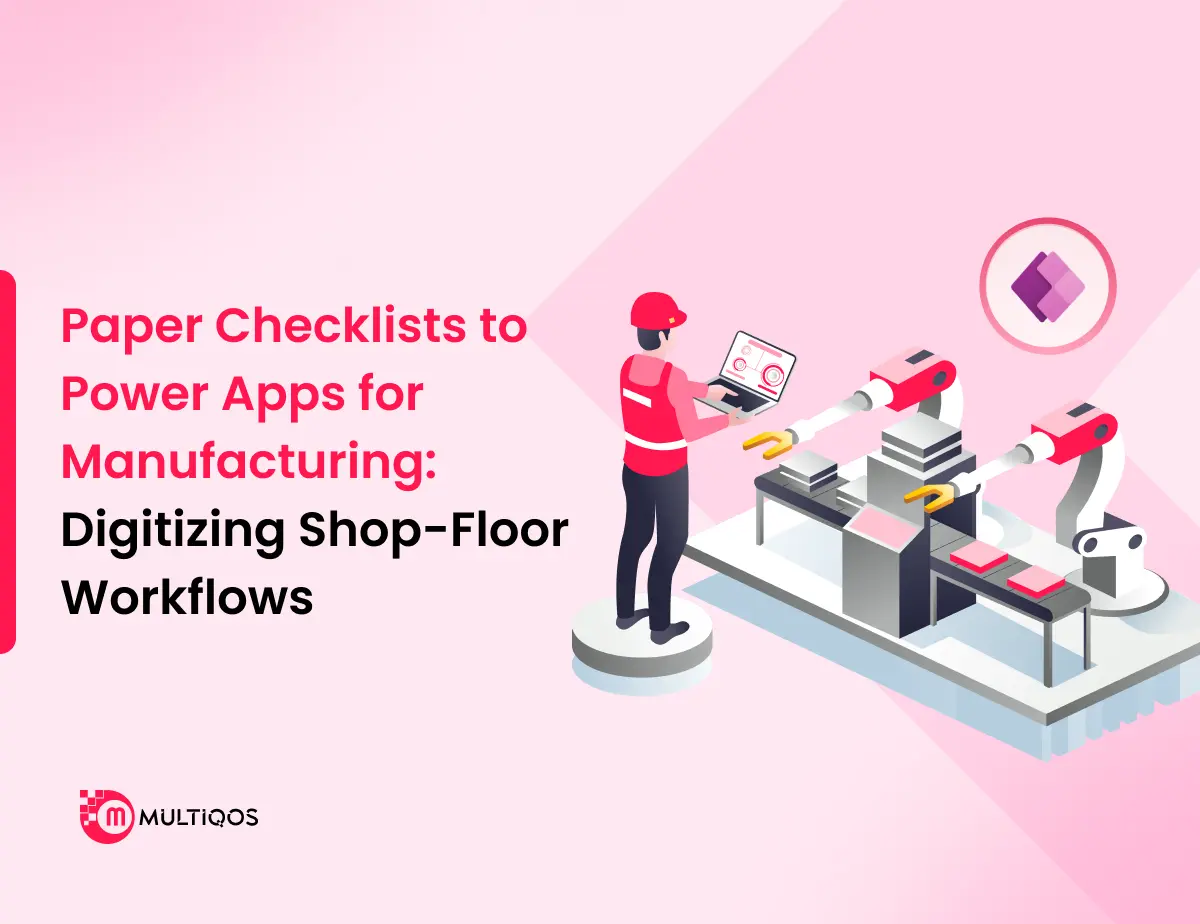
On mobile devices, Microsoft Power Apps are used by warehouse and quality control personnel to record the results of inspection and photograph the state of stock, and record GPS-tagged location information directly into a Dataverse or SharePoint to replace the paper checklists with auditable online records.
Enterprise Information Portals & Internal Communication
Operations and communications departments create portals for employees that allow them to access company announcements, product catalogs, and updated policies in one verified source that all employees can access on any device, eliminating the need to send announcements, products, and policies in fragments by email.
Event Management, Scheduling of Resources
Power Platform is used by operations teams to manage corporate events, meeting rooms, equipment, and attendee logistics through an interconnected app that automates confirmations and provides management with real-time information on the availability of resources across locations.
From Idea to Launch
A Delivery Process Designed Around How Your Business Actually Operates
See how MultiQoS takes your Power Platform project from discovery to deployment, with defined milestones, structured testing, and a go-live plan your IT team controls at every stage.


Industries We Serve
Solving Industry-Specific Problems with Power Platform Consulting Services
Every industry has its own operational friction. Our Power Platform teams work inside your domain, not just your software stack, to build solutions that fit how your business actually runs.
- Manufacturing
- Fintech
- Supply Chain
- Retail
- Sports
- Real Estate
- Healthcare
- Fitness
- EdTech
Production efficiency breaks down when machine data, work orders, and inventory levels live in disconnected systems. Our Microsoft Power Platform Development Services help plant managers monitor equipment health in real time, automate work order routing, and surface shop floor data into Power BI dashboards that reflect actual line performance. When a machine signals abnormal behavior, your maintenance team gets an automated alert before the line goes down.

AI-Based Predictive Maintenance
Equipment Failure Prediction

AI-Powered Vision Inspection System
Packaging Defect Detection

Low-Code Business Innovation
Power Platform Development Technologies
We utilize the full Microsoft Power Platform ecosystem to create connected, low-code business solutions. From application development and workflow automation to data analytics and AI-powered experiences, our technology stack enables organizations to streamline processes, improve collaboration, and accelerate digital transformation while maximizing operational efficiency and business value.
- TypeScript
- JavaScript (ES6+)
- C#
- Power Fx
- SQL
- Power Apps
- Power Automate
- Power BI
- Power Pages
- Copilot Studio
- AI Builder
- Dataverse
- VS Code
- Visual Studio 2022
- Power Platform CLI
- Azure DevOps
- GitHub
- Fluent UI
- React.js
- Power Apps Component Framework (PCF)
- HTML5
- CSS3
- Dataverse
- SQL Server
- Azure SQL
- Microsoft Fabric
- Azure Functions
- Microsoft Graph API
- Power Platform Connectors
- Azure API Management
- REST APIs
- Azure Logic Apps
Why Choose Us
Choose MultiQoS for Smarter Microsoft Power Platform Integrations
MultiQoS has hands-on experience with Microsoft Power Apps, Microsoft Power Automate, Power BI, and Dataverse, and applies this to all projects undertaken by the company. Our Power Platform consultants stay with your project from requirement analysis to deployment.
Certified Microsoft Expertise
Our consultants are certified on the Power Platform certifications and maintain the certification up to date. The professionals who work on your project have first-hand experience with the governance controls of the platform, including licensing and connector capabilities.
Business-First Solution Design
We do not begin with technology and reverse work. We have a documented concept of how your operational processes, team organization, and data landscape work before any configuration is undertaken to create a Power Platform solution.
Deep Integration Experience
We connect Power Platform to the Microsoft 365, Dynamics 365, Azure, SharePoint, and the third-party systems your organization already has running in it. Your current stack remains the same. The platform builds upon it, instead of superseding what has been working.
Full Lifecycle Support
Your engagement is the responsibility of one team, whether it is initial scoping, deployment, or post-launch activities. The context is not lost between planning and delivery because the same people who developed the mapping of your requirements are the same people who develop and test the solution.
Proven Cross-Industry Delivery
We have provided Microsoft Power Platform Development Services to manufacturing, healthcare, fintech, retail, and logistics. The same cross-domain experience implies that your team will enjoy the use of the patterns that have already been tested in the real conditions of operation, rather than the theoretical frameworks.
Planned and open Process
Our processes include weekly progress reports, milestone sign-offs, and direct access to your project lead throughout. In case there is a change in scope, timelines, and decisions requiring your input, we will hear it first, rather than a status update that is late.
Structured for Success
Our Approach to Delivering Reliable Microsoft Power Platform Services
Each Power Platform project at MultiQoS goes through a formal delivery model, which begins with your business processes, not a predefined technology roadmap. We operate on a specified list of steps with specific deliverables and points of sign-off at each stage, so your operations teams are always informed, your IT stakeholders are always in control, and what goes live at the end is what you agreed to in the beginning.
Get Your Platform JourneyRequirement Analysis & Discovery Mapping
We capture your current workflows, integration requirements, and process gaps prior to development. Each of the requirements is checked directly with your operations and IT stakeholders, and not presumed to be in a template.
Solution Planning & Strategy
Our consultants determine which components of Power Platform, data model, and connector strategies should be used in your use case. You get a gradual project architecture with milestones and deliverables prior to a single line of setup.
Design & Prototyping
Previews of your apps, dashboards, and flows in Microsoft Power Automate go before your teams early. Feedback in this phase is much cheaper to implement than the feedback that is realized after the development is finished.
Development & Configuration
Power Platform components are developed by developers against the approved design, version control, and peer review of each sprint cycle. Weekly progress reports are provided to your project manager so as to avoid surprises when it comes to project delivery.
Testing and Quality Assurance
All the apps, automated workflow, and data integration undergo functional, performance, and user acceptance testing. Problems that are identified during QA remain in QA. There is nothing that gets to your production environment without having to be tested against specific acceptance criteria.
Deployment & Go-Live Launching
We handle the deployment of production, set up administration controls, and run a dedicated hypercare period, so your teams have first-hand support during the initial weeks of live operation. The entire ownership is with your own IT team on the first day.
Trusted by the Clients
Praising Voices Reflecting Our Dedicated Efforts
Client’s words are a testimonial to our commitment of delivering optimized business outcomes.

“Our vision was understood and they asked really detailed questions to find out what was required. A well-defined process was followed during the development process and the team captured requirements diligently. The team is also flexible enough to adjust to the schedule.”
CEO - Gameday Guide

“I am highly satisfied with their work. Our collaboration is seamless, and we have regular discussions with their developers to define tasks and ensure progress. We were particularly impressed with their excellent communication skills.”
Founder - Screeners Berlin

“I had the pleasure of working with a team that not only demonstrated exceptional punctuality but also made the entire experience enjoyable. Their commitment to timeliness was commendable, ensuring deadlines were met.”
Founder - Michael John Norton

“It's rewarding to work with a diligent and dedicated team. Excellent guys to work with! Always listened to my thoughts and came up with creative design solutions. Whenever you need them, they are available and eager to share their knowledge.”
CEO - Polished





FAQs
FAQ About Power Platform
What is the typical timeline for a Power Platform project?
Can you integrate AI capabilities into Power Platform solutions?
How does Power Platform help in the automation of business processes, as well as workflow?
Why choose Microsoft Power Platform for digital shift in business processes?
What features does Microsoft Power Platform Offer?
Our Blog
Latest Insights
Keep up with the fast-paced world of technology through our expert research on current trends and innovations.