
iPhone Duo App Development: The Hidden Cost of Not Adapting Your Enterprise App
Need quick insights? Summarize with AI & save time
 ChatGPT
 Perplexity
 Claude
 Google AI Mode

- Why this breaks the old assumptions
- What “foldable” actually means technically
- What sitting still actually costs
- The cost categories that actually matter to a CTO
- Where the opportunity is largest
- Build vs. partner: how to resource the work
- The decision is already in front of you.
- FAQs on iPhone Duo App Development
Summary:
iPhone Duo isn’t another annual refresh. Apple’s first foldable iPhone shipping with iOS 27 introduces a genuinely different interaction model: a 5.4-inch outer display for quick, single-hand use and a 7.6-inch inner display for multitasking, annotation, and richer content. For consumer apps, that’s a design opportunity. For enterprise apps, the internal tools, field platforms, and client-facing software that CTOs and VPs of Engineering are accountable for, it’s a decision point that’s easy to defer and expensive to ignore.
Your app will run on iPhone Duo. The question is what it looks like when it does and what that communicates to the users, clients, and employees holding it. Getting this right is part of a larger pattern in enterprise mobile app development, where platforms evolve faster than internal roadmaps account for, and reactive updates cost more than planned ones.
Why this breaks the old assumptions
Most enterprise iOS app development was architected around a single, fixed screen size. That assumption held for over a decade. iPhone Duo breaks it, and not in a way a quick UI tweak resolves.
Several things changed at once.
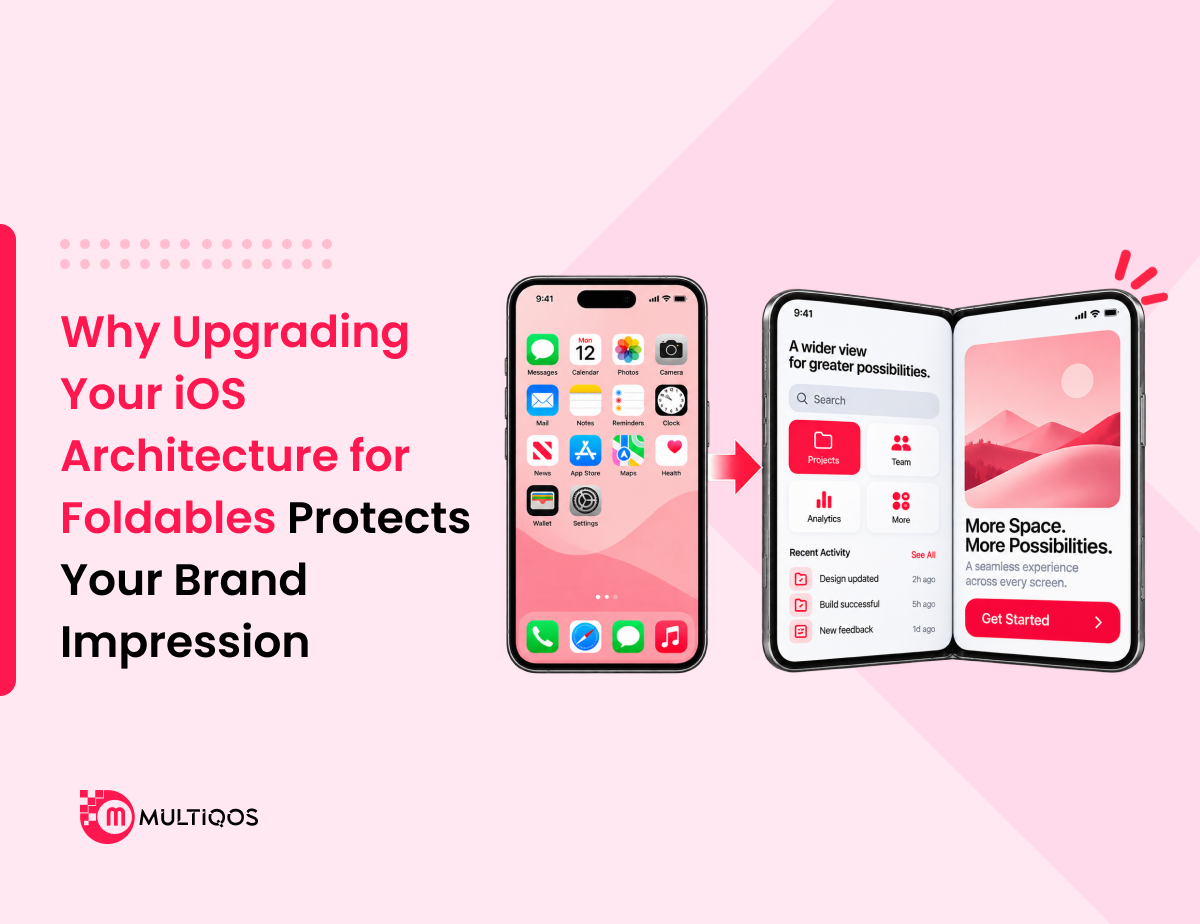
The form factor is genuinely new. Apps need to render correctly across two physical displays with different aspect ratios and transition cleanly as the device folds and unfolds mid-session — not just resize, but actually reflow content in real time.
iOS 27 introduced adaptive layout and multitasking APIs built around the assumption that apps respond to the fold. Apps that don’t adopt these APIs run in a compatibility mode Apple never designed for long-term use. This is the core challenge shaping iPhone Duo app development right now: teams either build for the fold from the ground up, or inherit a growing list of compromises.
The iPhone Duo is the first iPhone to support Apple Pencil. Apps with no pencil input handling won’t offer it even where it would clearly improve the workflow. Users on other Apple devices already expect pencil support where it’s relevant.
And once a few apps in any given category adapt well, the ones that haven’t start to look conspicuously behind. That’s a baseline shift, not just a technical gap.
None of this requires starting over. Modernization here means closing the gap between how the app is built today and what the new form factor expects: an audit-and-adapt process, not a ground-up rebuild. But it does require treating it as a defined project with scope and timeline, not something absorbed quietly into general maintenance.
What “foldable” actually means technically
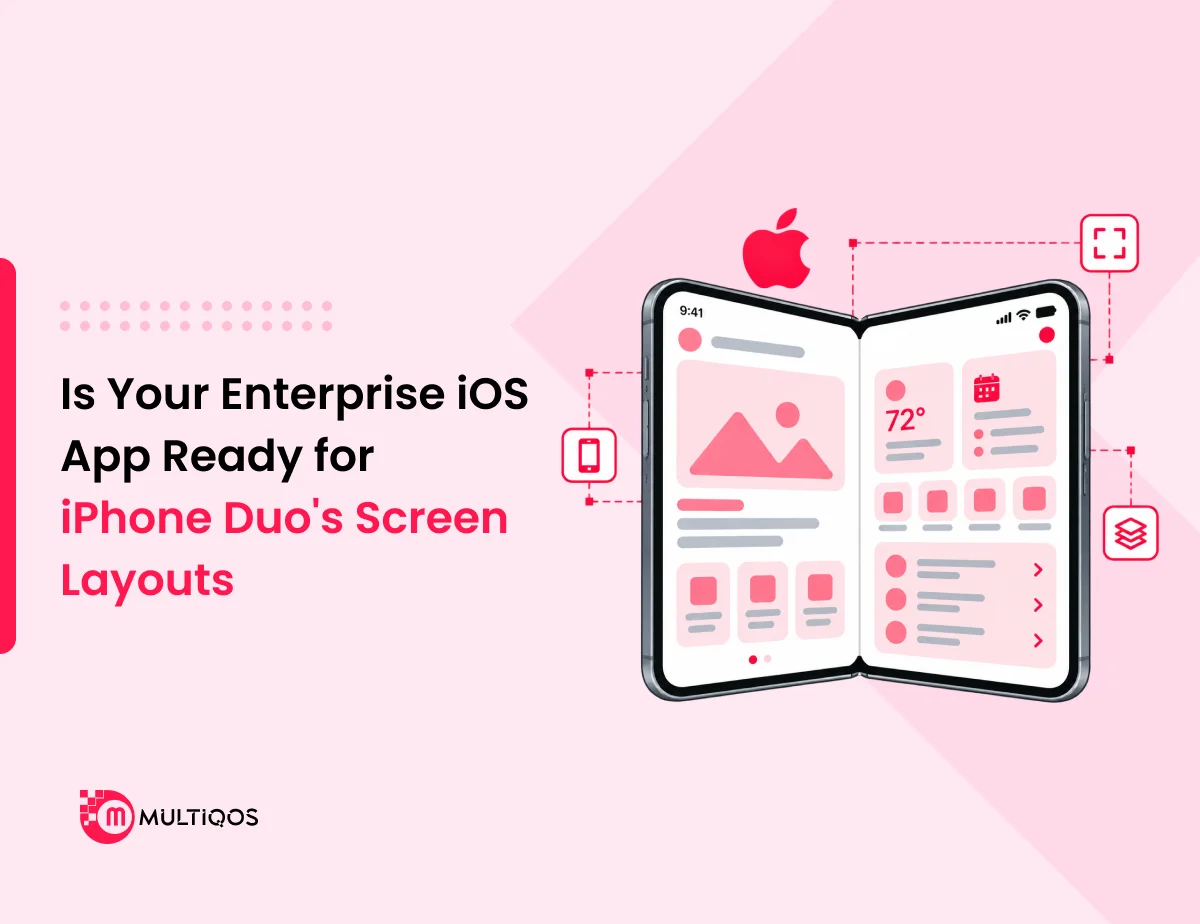
The outer display handles quick, single-hand interactions: checking a message, scanning a work order, and glancing at a dashboard. The inner display, once unfolded, behaves more like a small tablet: more room for content, side-by-side views, and precision input via Apple Pencil.
iOS 27 gives developers APIs to detect the device’s current state, respond to the fold transition in real time, and lay out content using adaptive size classes , the approach Apple walks through in its developer session on preparing apps for the device. It also introduces native app pairing, saving two apps together so they reopen side by side, and improved state preservation so an app doesn’t lose its place mid-fold.
None of this is exotic engineering. It’s a documented set of APIs. The gap most enterprise apps face isn’t that the problem is hard; it’s that nobody has gone through the app systematically and mapped where the old assumptions live.
What sitting still actually costs
Skipping this work doesn’t mean nothing happens. It means the cost shows up later, in less visible ways, often after the device is already in employees’ or clients’ hands.
Broken or awkward layouts. UI elements designed for one screen size stretch, crop, or misalign on the inner display. Forms overflow. Navigation bars sit in the wrong place. Content that was designed to be compact looks sparse across a much larger canvas.
Weaker multitasking. Apps that don’t support split-screen or app-pairing feel noticeably behind next to ones that do, especially when used side-by-side with other tools, which is exactly the use case iPhone Duo encourages.
Lost productivity. For field teams, clinicians, or executives who adopt iPhone Duo, a poorly adapted app makes the job harder. That’s real time lost, not just an aesthetic complaint.
Brand and perception risk. A clunky experience on a visible flagship device reflects on the company behind the app. That’s harder to quantify, but it’s real, especially for client-facing tools where the app is one of the few tangible touchpoints a client has with your engineering quality.
Competitive exposure. If a competitor adapts first, they set the new baseline for what “good” looks like on iPhone Duo. Catching up from behind costs more than getting there first, in both engineering effort and the perception gap that’s already formed.
The cost categories that actually matter to a CTO
These costs arrive on different timelines, which is why they’re easy to underestimate individually.
Near-term, low-visibility: minor layout bugs and support tickets from users on iPhone Duo—easy to dismiss one by one, but they accumulate.
Medium-term: measurable productivity loss among field or clinical staff who’ve switched to iPhone Duo and now work around the app rather than with it.
Longer-term and the hardest to reverse: a reputation, internally or with clients, for software that lags behind the platforms it runs on. This shows up in renewal conversations and internal budget reviews, not in a bug tracker.
Framed honestly, this isn’t “spend now vs. save now.” It’s “spend a scoped amount now vs. absorb a larger, less predictable cost later.”
Where the opportunity is largest
The impact isn’t evenly distributed. Some use cases have more to gain or lose than others.
Healthcare. Healthcare is a natural fit for this shift, especially in healthcare app development, where clinical charting and documentation apps are a natural fit for Apple Pencil and the larger inner display. Annotation and note-taking get faster and more accurate at the point of care. A clinician switching between patient records and imaging benefits directly from split-screen support.
Manufacturing. Manufacturing is another strong case, where manufacturing software solutions like field inspection and data capture apps benefit from more screen real estate and the ability to reference specs or schematics in split-screen while logging data, reducing the back-and-forth between separate devices or paper references that currently slows down the workflow.
Enterprise productivity. Internal dashboards, reporting tools, and approval workflows become genuinely more usable with real multitasking instead of constant app-switching, particularly for managers reviewing data while responding to approvals.
In each case, the opportunity isn’t just “the app still works.” It’s that the app becomes noticeably better on the new hardware, the difference between adoption and quiet frustration.
Build vs. partner: how to resource the work
Once the decision to adapt is made, the question is how to staff it. Three realistic paths.
In-house, absorbed into the existing roadmap. Works if the team already has iOS 27 familiarity and bandwidth. Risks being deprioritized against feature work with clearer deadlines.
In-house, as a dedicated sprint or project. More reliable, but requires carving out focused time and may still need external expertise on foldable-specific APIs the team hasn’t worked with before.
External partnership for the audit and adaptation. Useful when speed matters, when the in-house team is fully committed elsewhere, or when foldable-specific experience doesn’t yet exist internally. An external audit also produces an objective, prioritized list of what needs to change, which is often the hardest part to generate internally without bias toward existing code. If your team is weighing in-house vs. external support for this work, our iPhone Duo foldable app architecture breakdown is a useful starting point for scoping the technical work involved.
Whichever path makes sense, starting with an audit rather than jumping into a rebuild keeps initial cost small and scope well-defined.
The decision is already in front of you.
iPhone Duo is shipping now. The users who matter to your business will be holding this device within weeks, not years.
The lowest-risk next step isn’t a full rebuild. It’s an audit to understand exactly where your app’s layout, multitasking, and input logic will hold up on iPhone Duo and where they won’t. That gives you a clear, scoped picture of what adaptation actually requires before committing a budget to it.
Get your app audited for foldable readiness.
FAQs on iPhone Duo App Development
No. iOS maintains backward compatibility; existing apps run without crashing. The issue is usability: layouts that don’t adapt, missing multitasking support, and no pencil input handling where it would help.
Rarely. Foldable adaptation is a scoped modernization project: adjusting layout logic, adopting iOS 27 APIs, and adding input handling where relevant, not a full rewrite.
An audit focused on layout, multitasking, and input readiness can typically be completed in a matter of weeks depending on app size and complexity. It produces a prioritized list of what needs to change before any development work begins.
Client-facing apps and apps used heavily by field or clinical staff carry the most direct productivity and brand-perception impact. Purely internal, low-usage tools can typically wait.
Waiting doesn’t remove the cost; it defers it and usually increases it. Competitors who adapt early set a new baseline for what users expect, and rework later tends to cost more than addressing it proactively.

Get In Touch

Get Stories in Your Inbox Thrice a Month.
Why Upgrading Your iOS Architecture for Foldables Protects Your Brand Impression
Is Your Enterprise iOS App Ready for iPhone Duo’s Screen Layouts?
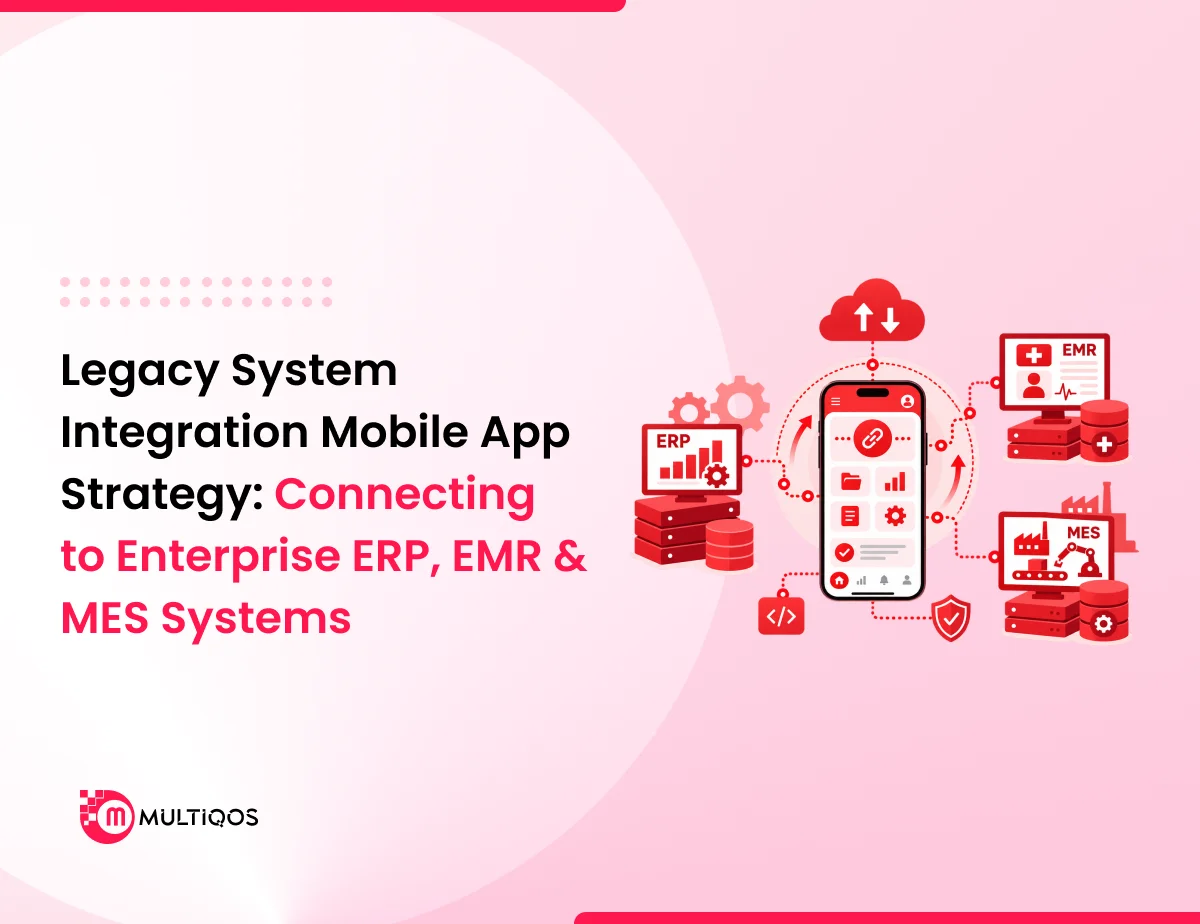
Legacy System Integration Mobile App Strategy: Connecting to Enterprise ERP, EMR & MES Systems