
Is Your Enterprise iOS App Ready for iPhone Duo’s Screen Layouts?
Need quick insights? Summarize with AI & save time
 ChatGPT
 Perplexity
 Claude
 Google AI Mode
Table of Content
- What iPhone Duo’s Screen Layouts Change
- A Practical Self-Check
- Signs Your App Isn’t Foldable-Ready
- What “Ready” Looks Like
- What Happens If You Do Nothing Yet
- Common Misconceptions About Foldable Readiness
- Why This Is Worth Checking Now Rather Than Later
- Conclusion
- FAQs
Summary :
Apple’s iPhone Duo has introduced a form factor most enterprise iOS apps were never designed for: two displays, a fold, and a set of iOS 27 APIs built around adapting to both. Before diving into what a full retrofit involves, it’s worth answering a simpler question first — is your app actually ready, or does it just happen to run?
This isn’t a deep technical breakdown. It’s a practical, honest self-check for CTOs and engineering leads who need to know, right now, whether this is something they need to act on — and if so, roughly how big the gap is.
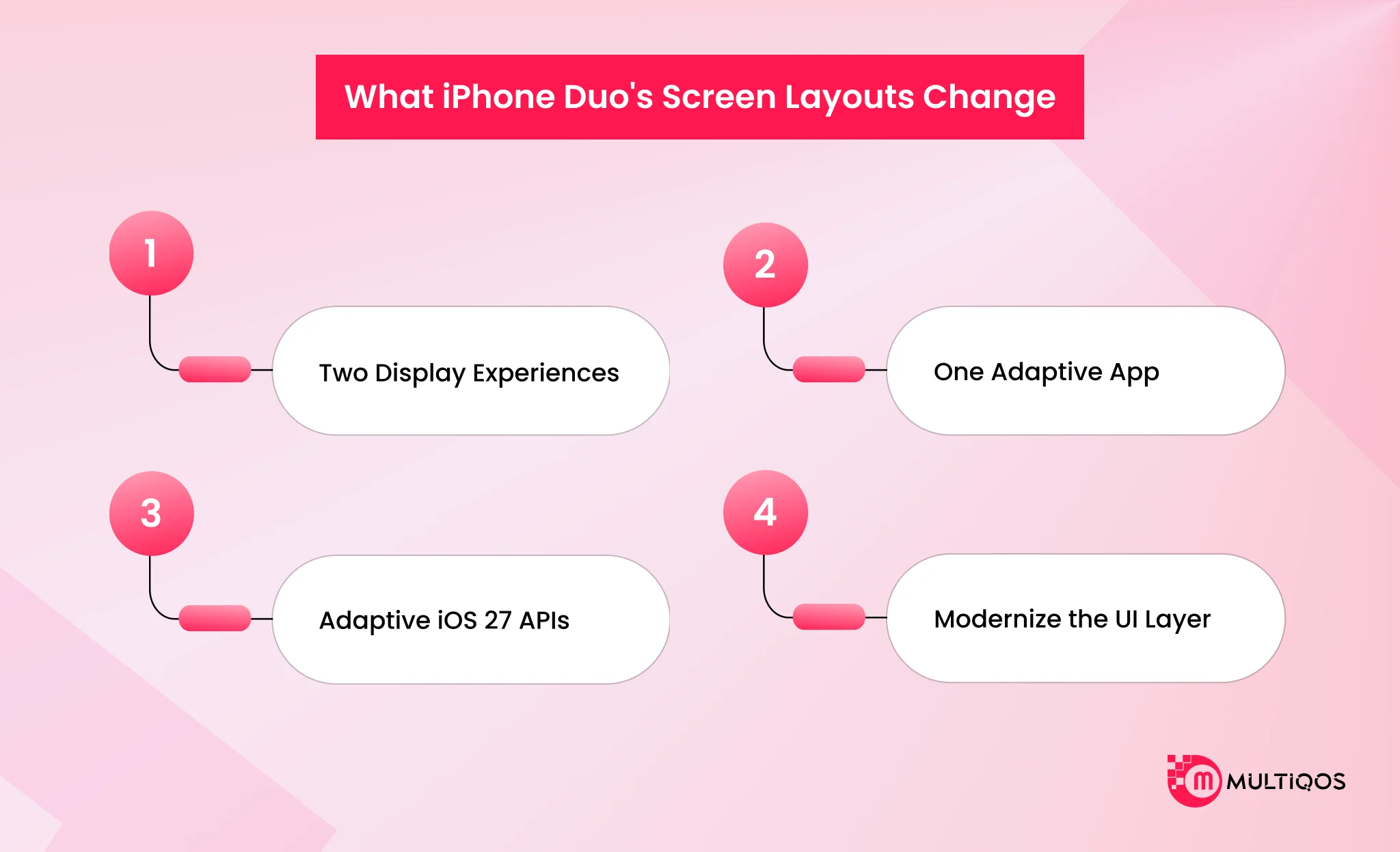
What iPhone Duo’s Screen Layouts Change
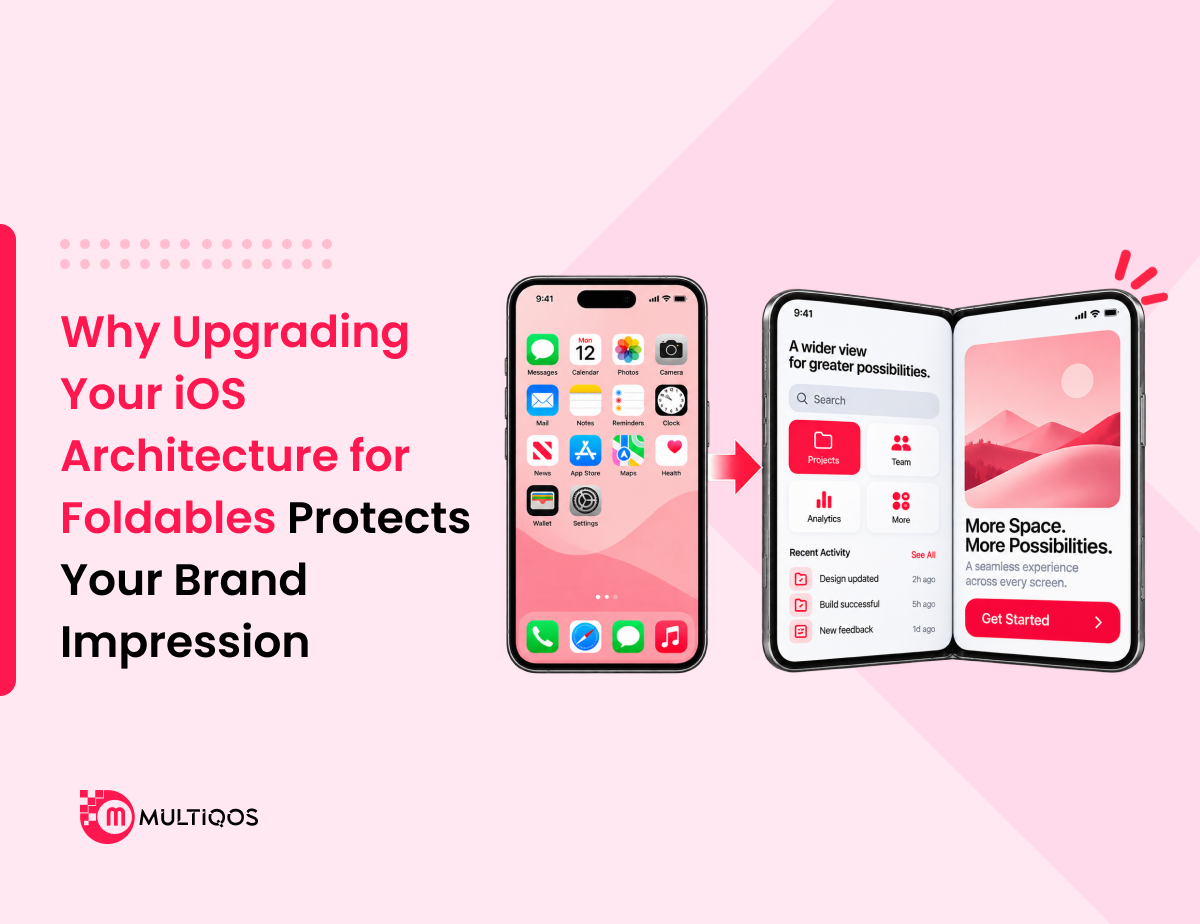
iPhone Duo gives developers two displays to design for: a 5.4-inch outer screen for quick, everyday interactions, and a 7.6-inch foldable inner screen for richer, multitasking-heavy use. Both need to render your app correctly — not as two separate builds, but as one app that adapts intelligently between them as the device folds and unfolds.
iOS 27 ships new adaptive layout and multitasking APIs built specifically for this. They assume your app responds dynamically to the fold. Apps that don’t use them — because they were built before iPhone Duo existed — tend to fall back on old assumptions: a single, fixed screen size that gets stretched, cropped, or centered awkwardly on the new hardware.
It’s also worth understanding what’s not changing: the underlying iOS platform, your data layer, and most of your business logic are unaffected. This is a presentation-and-interaction-layer problem, which is part of why it’s usually more tractable than it first sounds.
A Practical Self-Check
Before running a formal audit, a few quick questions can tell you roughly where your app stands:
- Does the app look correct — not just functional, but correct — on both a 5.4-inch and a 7.6-inch display without manual testing tricks?
- Can a user fold or unfold the device mid-session without losing their place in the app?
- Can two instances of your mobile app, or your app and another, run side by side without one becoming unusable?
- Does the app respond at all to Apple Pencil input, in places where drawing, marking, or signing would make sense?
- Was the app’s layout code written using fixed pixel values and screen-size assumptions, or adaptive size classes?
If most of these raise a “no” or “not sure,” that’s a strong signal the app hasn’t been built with iPhone Duo in mind — which is expected for anything shipped before September 2026, but worth confirming rather than assuming.
Signs Your App Isn’t Foldable-Ready
A few more specific things to check against your current app:
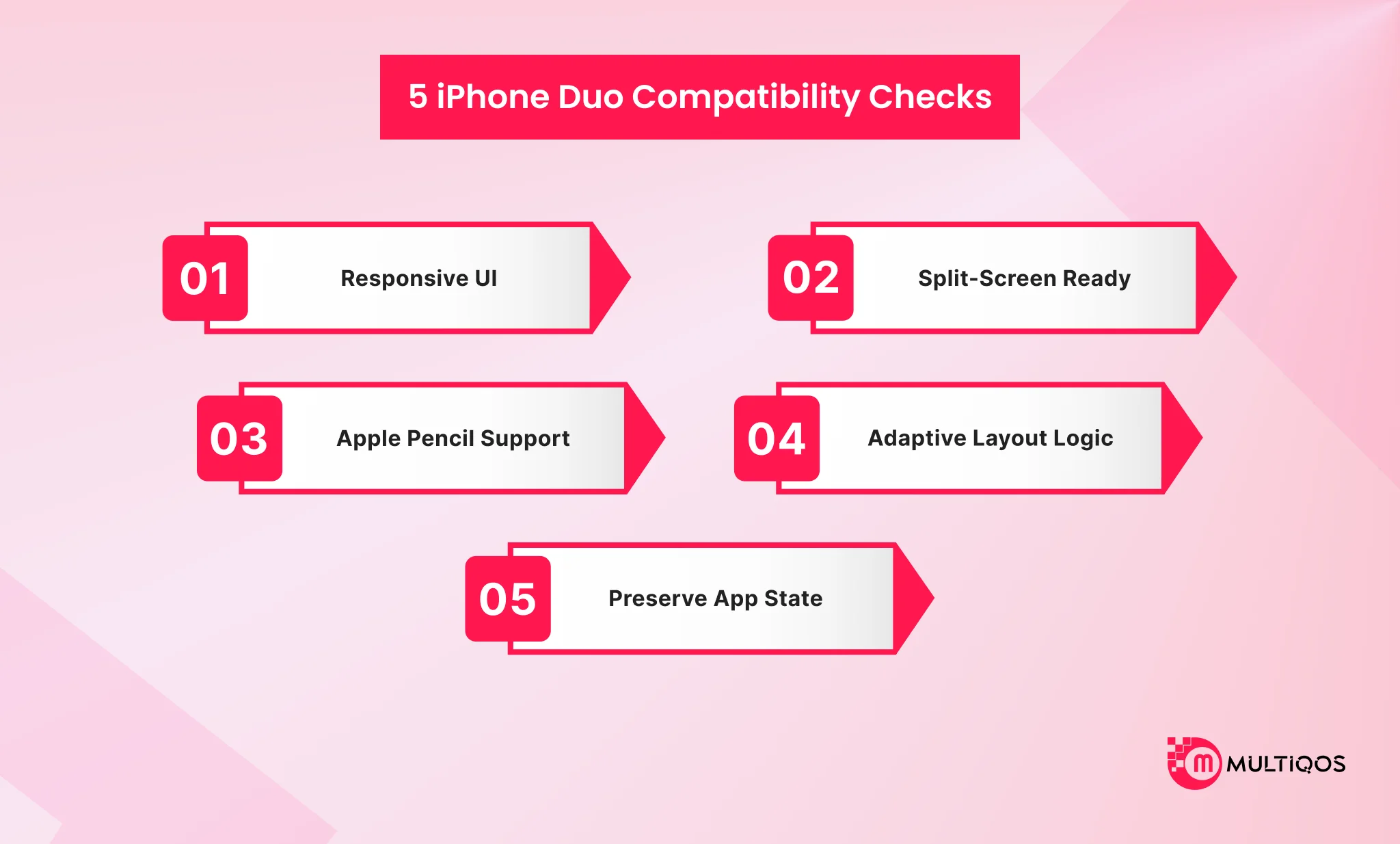
- UI elements don’t rescale cleanly between the outer and inner displays — buttons, forms, or navigation feel oversized, cramped, or oddly placed once the device is unfolded.
- No support for split-screen or app-pairing. Your app can only be used full-screen, even though iPhone Duo’s multitasking model is built around running two apps side by side.
- No handling for Apple Pencil input — relevant if your app involves annotation, sign-off, forms, or any kind of markup, since iPhone Duo is the first iPhone to support it.
- Layout logic is hardcoded to one screen size, rather than built on adaptive size classes that respond to the device’s current state.
- State loss on fold or unfold — the app resets, reloads, or drops the user’s place when the physical display configuration changes.
If two or more of these sound familiar, your app is very likely running on iPhone Duo — just not well, and probably in ways your team hasn’t directly observed yet.
What “Ready” Looks Like
A foldable-ready app has a few clear characteristics, and they’re worth using as a target rather than a vague aspiration:
- Layouts that adapt automatically as the device folds and unfolds, without requiring a restart or looking broken mid-transition.
- Multitasking that matches Duo’s model — split-screen and app-pairing behave the way users now expect, rather than forcing single-app use.
- Input handling that accounts for Pencil wherever it’s relevant to how the app is actually used, not bolted on as an afterthought.
- Consistent visual hierarchy across both displays, so the app doesn’t feel like two different products depending on fold state.
- State preservation across transitions, so switching between folded and unfolded use never costs the user their progress.
None of this requires guessing. It’s a defined, checkable set of criteria you can audit your current app against, one item at a time.
What Happens If You Do Nothing Yet
It’s reasonable to ask whether this needs to happen immediately. In most cases, nothing breaks on day one — the app runs, users can complete their tasks, and no alarms go off. The cost is more gradual: minor usability complaints that accumulate, a slowly growing perception that the app hasn’t kept up, and a widening gap versus competitors who do adapt quickly.
Waiting isn’t catastrophic, but it isn’t free either. The advantage of checking readiness now is that it turns an open-ended question into a scoped, prioritized list — which makes the eventual decision to act (or not) much easier to make with confidence. If you want to see exactly what that cost looks like in practice, our piece on iPhone Duo app development and the hidden cost of not adapting breaks it down by timeline and impact.
Common Misconceptions About Foldable Readiness
A few assumptions tend to slow teams down unnecessarily:
- “If it doesn’t crash, it’s fine.” Stability and usability are different things. An app can run without errors and still be a frustrating experience on iPhone Duo’s larger inner display or split-screen mode.
- “This only matters for new features.” Existing, already-shipped screens are just as affected as anything new being built — the readiness gap applies to the whole app, not just what’s currently in development.
- “We’ll wait until adoption is higher.” Enterprise and prosumer users, including clinicians and field staff, tend to adopt new iPhone hardware faster than the general consumer base, particularly when it’s provided or reimbursed by their employer.
- “This is a design problem, not an engineering one.” In practice, it’s both — the layout logic, state handling, and multitasking support all live in code, not just visual design files.
Clearing up these assumptions early tends to save time later, since they’re the most common reason readiness work gets pushed further down the backlog than it should be.
Why This Is Worth Checking Now Rather Than Later
Two things make timing matter here more than it might for a typical platform update. First, iPhone Duo is a highly visible launch — more people will notice how apps look and behave on it than on an incremental annual release. Second, the gap between “ready” and “not ready” is currently wide open across most industries, which means there’s a real opportunity to be ahead of the curve rather than catching up once the ready-vs-not-ready gap has already shaped user expectations.
Checking readiness now costs very little — it’s an assessment, not a commitment to build anything. But it converts an open question into a clear, prioritized answer, which is what actually lets a CTO or engineering lead make a confident call on timing and budget.
Conclusion
Most existing enterprise iOS app development will fall short on at least one of these points — not because they were built poorly, but because they were built before this hardware existed. That’s a normal, fixable gap, not a red flag.
The next step isn’t committing to a rebuild. It’s getting a clear picture of exactly where your app stands against these criteria, so you know what adaptation actually requires before you scope any work.
Get your app audited for foldable readiness.
FAQs
That depends entirely on how many of the readiness signs above apply. An audit is the fastest way to get a concrete answer rather than guessing — it typically results in a prioritized list rather than a single “yes/no.”
This specific set of changes is iOS- and iPhone Duo-specific, tied to iOS 27’s foldable APIs. If you also support Android foldables, that’s a related but separate readiness question worth checking independently.
Apple’s simulator tooling in Xcode supports testing against foldable configurations, so much of the initial assessment can be done without physical hardware, though testing on a real device is recommended before shipping changes.
No — internal tools used by field teams, clinicians, or staff benefit just as much, sometimes more, since those users tend to rely on the app for a larger share of their daily work.
Start with a readiness audit rather than assuming the scope. It gives you a concrete list of gaps and a realistic sense of effort before committing budget or timeline to a fix.
Often, yes. Adopting adaptive size classes and modern layout APIs tends to improve consistency across all screen sizes, not just iPhone Duo, since the underlying approach is more flexible than fixed layouts.

Get In Touch

Get Stories in Your Inbox Thrice a Month.

Mobile App Development Cost in 2026: What to Budget and Why

iPhone Duo App Development: The Hidden Cost of Not Adapting Your Enterprise App
Why Upgrading Your iOS Architecture for Foldables Protects Your Brand Impression