
Power Platform + OpenAI Integration: Building Enterprise AI Agents Without Custom ML Infrastructure
Need quick insights? Summarize with AI & save time
 ChatGPT
 Perplexity
 Claude
 Google AI Mode
Table of Content
- How Power Platform Integration With OpenAI Builds Enterprise AI Agents?
- Key Benefits for Enterprise Teams
- Real-World Enterprise Use Cases
- Additional enterprise use cases include
- Pre-requirements & Setup
- Steps to Build the Agent
- Troubleshooting: What Actually Breaks (and the solution)
- Final Thoughts
- FAQs
Summary:
Enterprise AI does not need data scientists or complex ML infrastructure anymore. Power Platform integration with OpenAI allows organizations to build an AI agent with power platform using low-code tools and GPT-5.5. This guide outlines practical steps, architecture, and real enterprise use cases.
Power Platform OpenAI Integration is transforming how enterprises adopt artificial intelligence. Now, enterprise AI is far beyond lengthy development cycles. Organizations can quickly deploy intelligent agents by combining Microsoft’s Power Platform with OpenAI’s advanced language models. This works hand-in-hand with the broader Copilot ecosystem too, with Microsoft 365 Copilot providing additional insights into how Microsoft’s AI assistants fit into everyday business productivity.
Microsoft’s low-code AI platform stack changes the equation. It no longer takes quarters for teams to ship intelligent agents; it takes only days.
How Power Platform Integration With OpenAI Builds Enterprise AI Agents?
Power Platform integration with Open AI connects low-code tools to Azure-hosted GPT models. The result is enterprise AI agents without custom ML infrastructure. Microsoft takes care of model hosting, scaling, and security underneath.
AI Builder brings GPT and document intelligence into Power Platform. As per Microsoft, this low-code AI platform uses enterprise-grade responsible AI principles for governance when using GPT models as part of the Azure OpenAI Service, aligning with the best practices and frameworks discussed in AI Governance for Enterprise LLMs
This Azure OpenAI integration removes the need for custom model training.
For organizations that want to explore broader platform capabilities, Power Platform Benefits gives additional insights into how Power Platform drives enterprise transformation.
Key Benefits for Enterprise Teams
There are many benefits that make this approach very attractive for key management. Some of them are as follows:
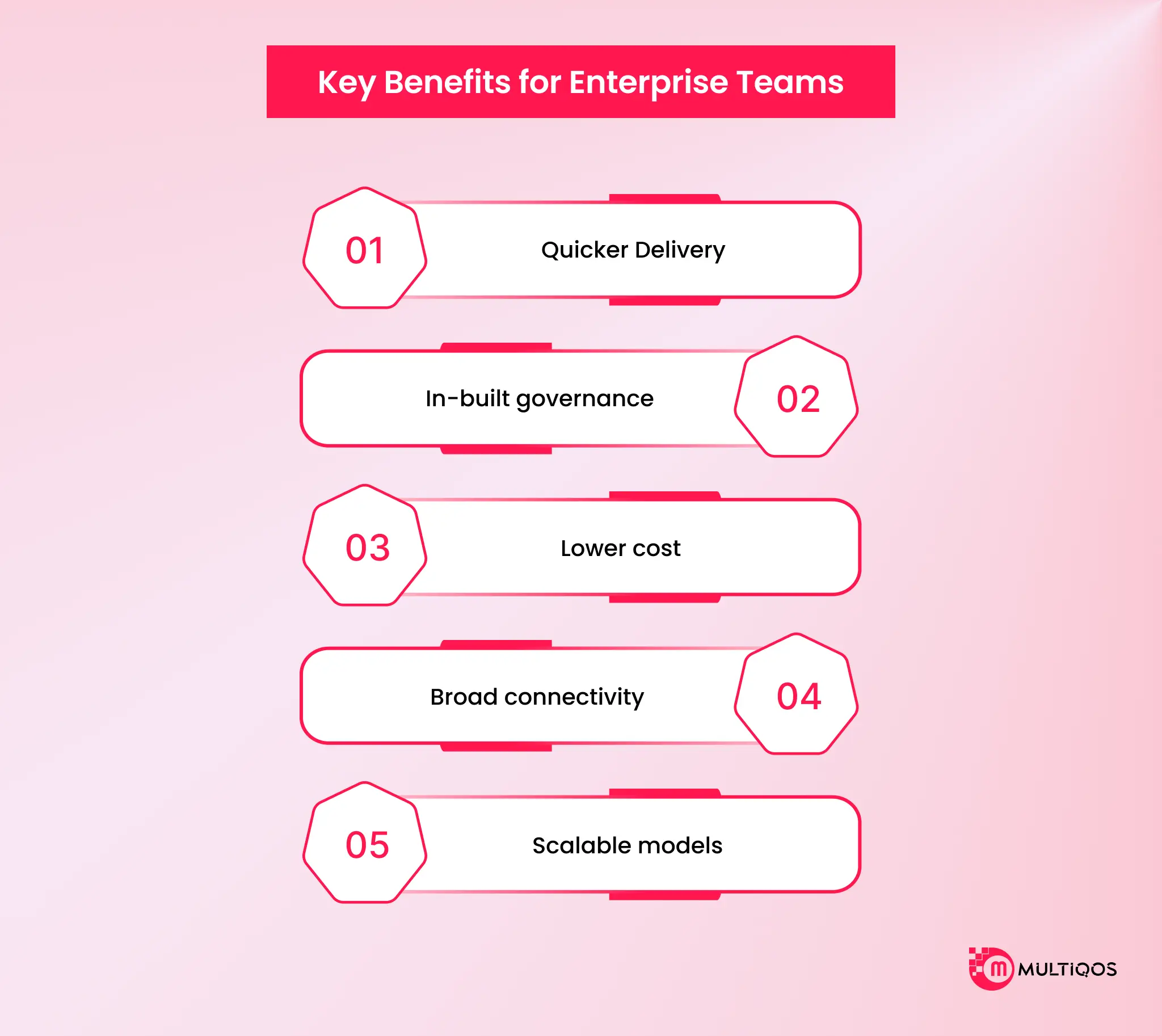
- Quicker Delivery: As said earlier, teams now design agents quickly, just in days.
- In-built governance: Strong protection of data by Microsoft Entra ID and DLP policies.
- Lower cost: Managed Azure models eliminate infrastructure & employee costs.
- Broad connectivity: More than 1000 connectors link enterprise systems and APIs.
- Scalable models: Azure OpenAI manages scaling and updates automatically.
Real-World Enterprise Use Cases
AI-Powered Operations spans every department. Complaint summaries are produced by AI workflows that automatically identify which employees should receive complaint requests using Power Automate AI workflows.
Organizations can create employee and customer question/answer bots within business applications using Power Apps AI integration, while employees can use AI-assisted drafting tools to respond faster to inquiries. Businesses can create AI agents to answer employee/customer questions.
Additional enterprise use cases include
- Extracting data from invoices, forms, contracts, and other business documents with the help of AI Builder.
- Generate meeting summaries, actions, and items, and follow-up communications automatically.
- Designing customer emails, proposals, and sales communications within the business applications.
- Giving instant access to the employees about company policies, procedures, and knowledge bases through AI-Powered assistants.
- Designing natural language interfaces that help users to query enterprise data without the need of any technical knowledge.
- Getting reports and executive summaries from a large volume of operational data.
Organizations looking to expand application capabilities can also explore Power Apps Use Cases for practical implementation ideas.
Pre-requirements & Setup
The steps that we are going to discuss in this section are very important. It is like doing groundwork first.
- Microsoft’s AI builder was enabled in the environment with actual capacity credits allocated – not just licensed.
- Three power platform environments exist if, possible: build/test/production. Work can be moved across these three environments using managed solutions.
- Admin rights exist to add connectors, establish DLP policies, and assign Azure roles.
- An Azure OpenAI resource exists with a pre-provisioned GPT-4o or GPT-4o mini deployment.
For enterprises leveraging Microsoft’s broader AI and data ecosystem, Microsoft Azure Databricks services can complement advanced analytics and AI initiatives.
Steps to Build the Agent
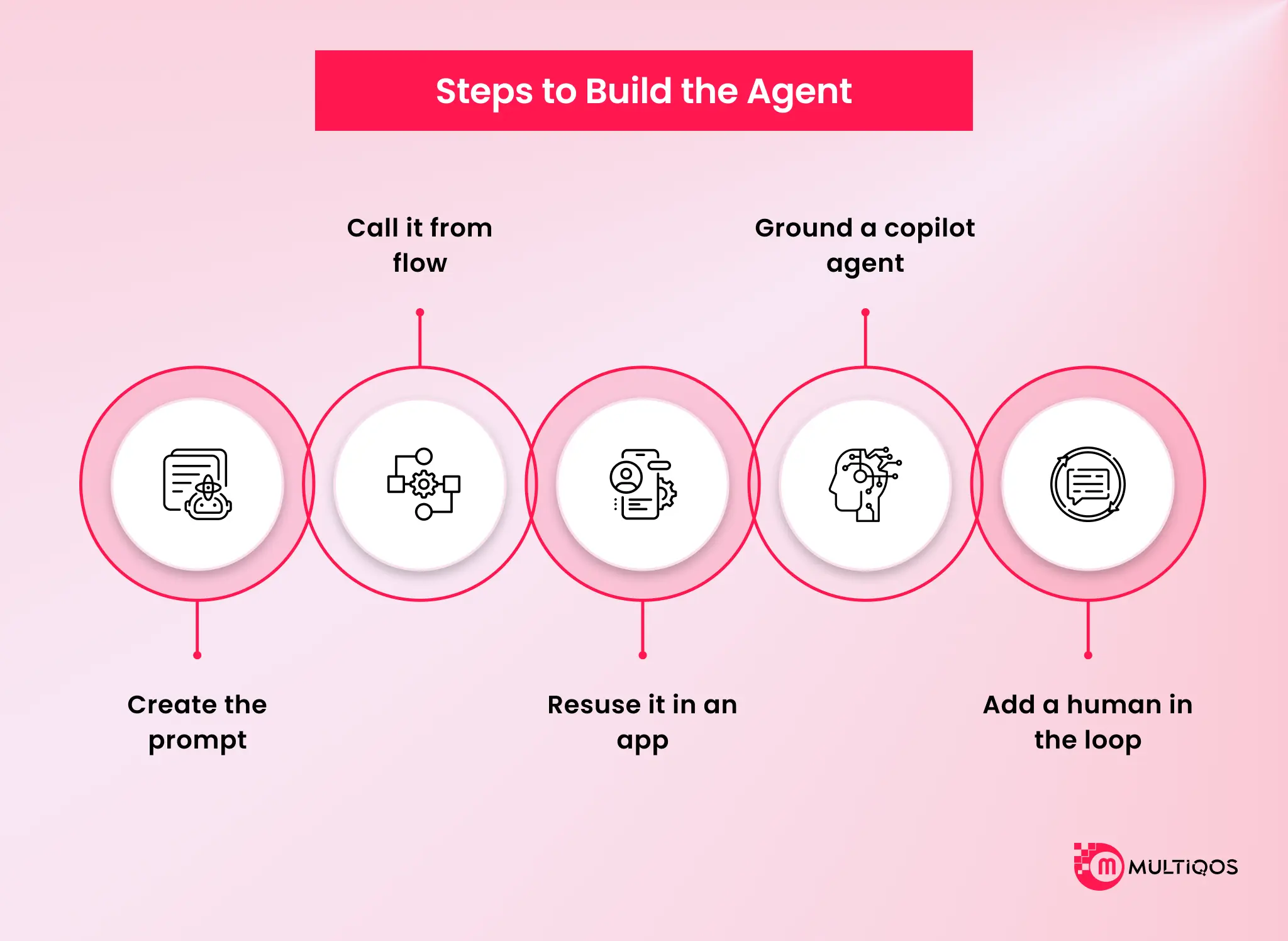
Let’s come to the real work, i.e., how to build an AI agent with Power Platform. So, below is the real sequence to build an AI agent with Power Platform, from beginning to the end.
1. Start by creating your prompt in AI Builder.
On the prompt page, insert your instructions in natural language. You can add dynamic inputs wherever you would like to inject live data into an email body, a form field, record id, etc. Test your output against sample data and preview the results before saving.
2. Call it from a flow.
In Power Automate, add the Run a prompt action. The action used to be called “create text with GPT” but Microsoft updated the name of the action to Run a prompt in May 2025, therefore some old tutorials might contain outdated information about this action.
Map your input values to the previous steps.
3. Re-use it in an app.
The same prompt you created earlier can be used within Power Apps as a Power Fx formula: Set(result,’task identifier’).predict(textinput1.text). Create once and use from a Flow or Screen.
Organizations looking for implementation support may also benefit from Power Apps development services tailored to their business needs
4. Ground a Copilot Studio agent.
Connect SharePoint, Dataverse or Website to generate answers based on actual data then publish it in Teams or Website.
5. Get a human in the loop.
Just right after the prompt, add an approval step, so someone is there who will sign off before the output reaches the customer.
Troubleshooting: What Actually Breaks (and the solution)
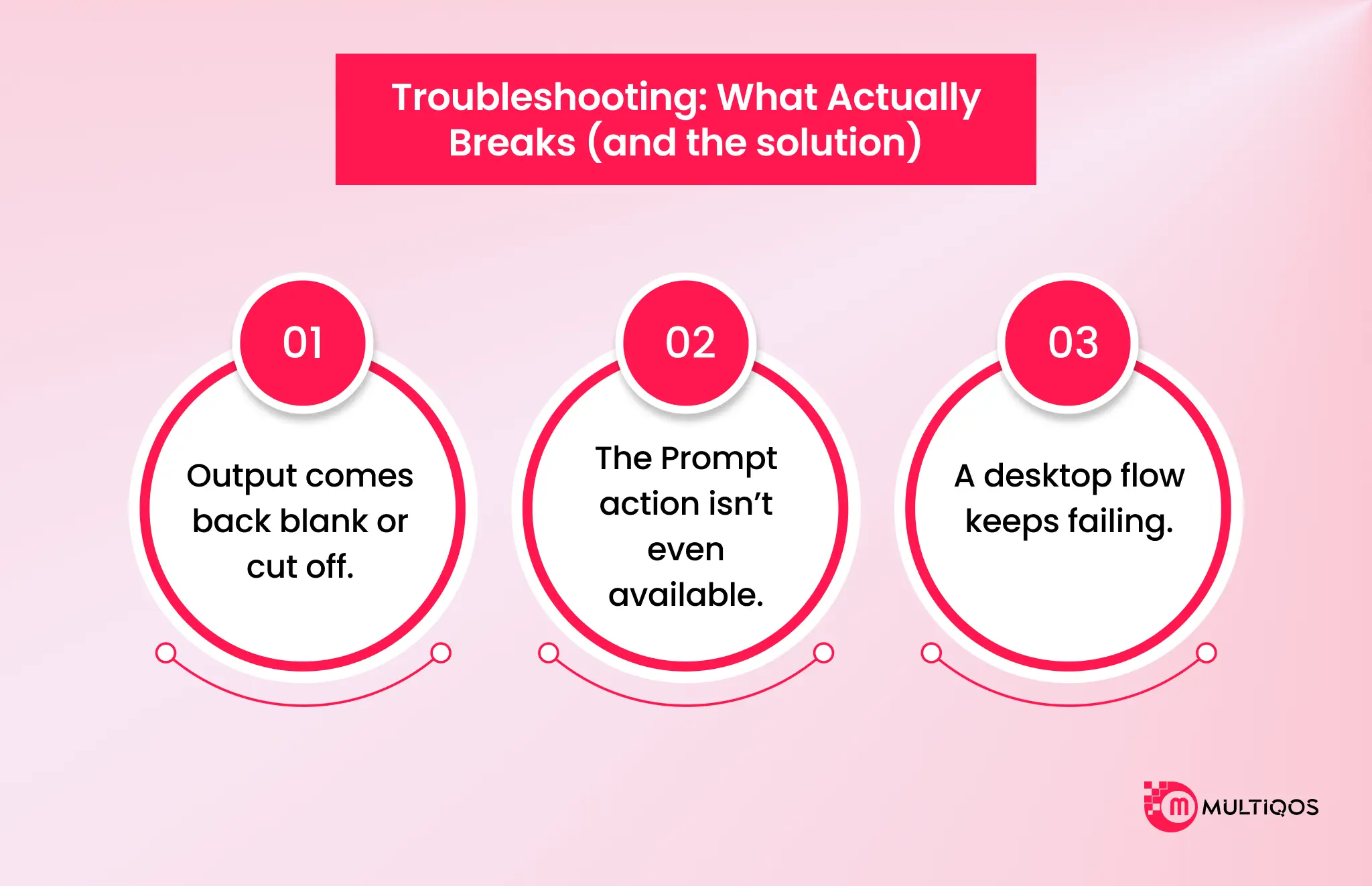
There may be some issues that come up frequently.
-
Output comes back blank or cut off.
Make sure to keep the action’s Asynchronous Pattern setting on. If you make it off, the flow will tend to return to nothing. This is a big problem to debug because the setup looks fine.
-
The Prompt action isn’t even available.
The prompts that are backed by Azure Open-AI will only work in certain regions. So, make sure to check regional support before you make any commitment regarding the launch date.
-
A desktop flow keeps failing.
The Create text with GPT (action) in Power Automate for Desktop will fail each time it runs if there are no other actions within the flow that display the output from the Create text with GPT (action).
Final Thoughts
The power platform integrating with OpenAI removes an enormous obstacle to enterprise-level AI. Enterprise companies can create intelligent agents in record time using no additional money or custom ML infrastructure. All this is made possible by the rapid adoption of the entire Microsoft ecosystem by way of low-code development tools, managed models, and a wide range of governance features.
Organizations evaluating where to start can lean on specialized Microsoft Power Platform Consulting Services to translate these capabilities into a working rollout plan.
FAQs
No longer. AI Builder and Copilot Studio use managed GPT models. With low-code interfaces, citizen developers can also build their own intelligent agent.
GPT-4o and GPT-4o mini models, which are included as part of the Azure OpenAI service, source power AI builder prompts. These same models can be used in Power Apps, Power Automate, and Copilot Studio.
Yes. Enterprise identity management comes from Microsoft’s entra ID. DLP policies manage all connectors. Governance is present throughout development, test, and production environments. .
The best AI for Power Automate is Microsoft Copilot and AI Builder, which are natively embedded into the Power Platform.
Absolutely. With Power Platform, you get access to more than 1000 connectors, allowing AI agents to connect with Microsoft 365, SharePoint, Salesforce, SAP, Dynamics 365, and many other enterprise systems.

Get In Touch

Get Stories in Your Inbox Thrice a Month.
Microsoft IQ Explained: The Role of Fabric IQ, Foundry IQ, Work IQ, and Web IQ
Building Automated Approval Workflows with Microsoft Power Automate
Paper Checklists to Power Apps for Manufacturing: Digitizing Shop-Floor Workflows